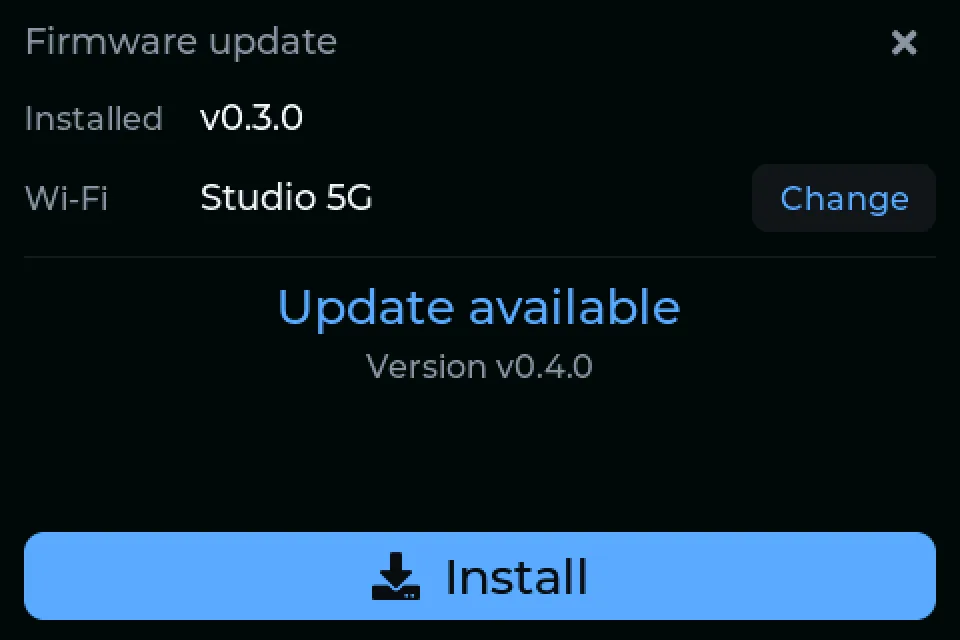
NanoGig Screen is paid firmware, and you try it before you buy: install it from the installerand it runs for 15 minutes after each power-on. A license unlocks it for good. It is bound to the chip of the screen it's activated on and covers that screen's updates over Wi-Fi. A kit comes licensed.
Boots straight to the gig view
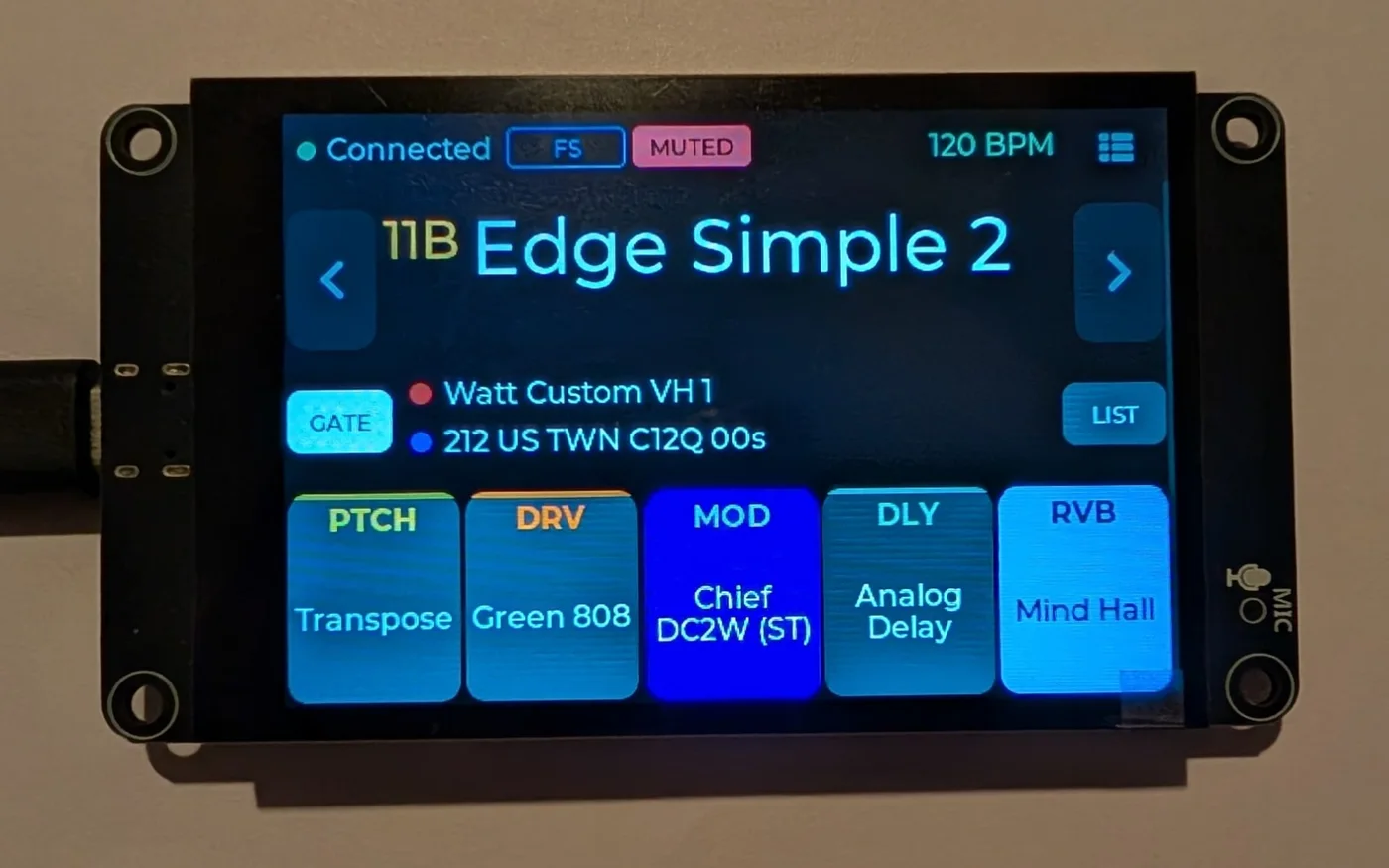
About a second from power to a useful screen, with the preset names remembered from last time while it connects.
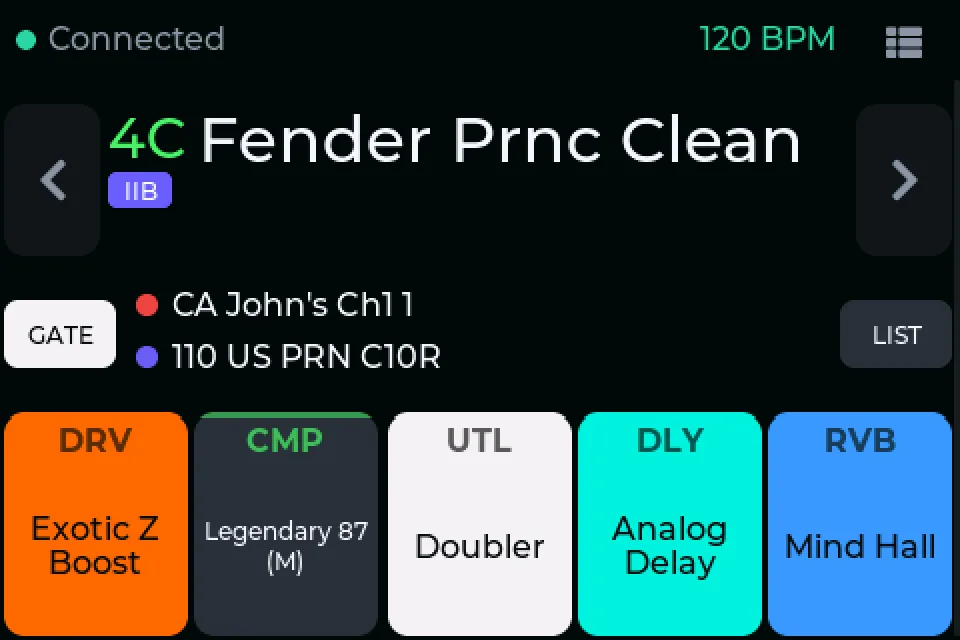
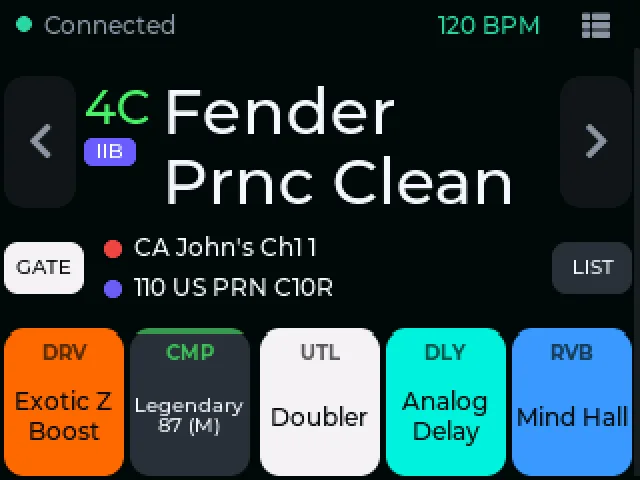
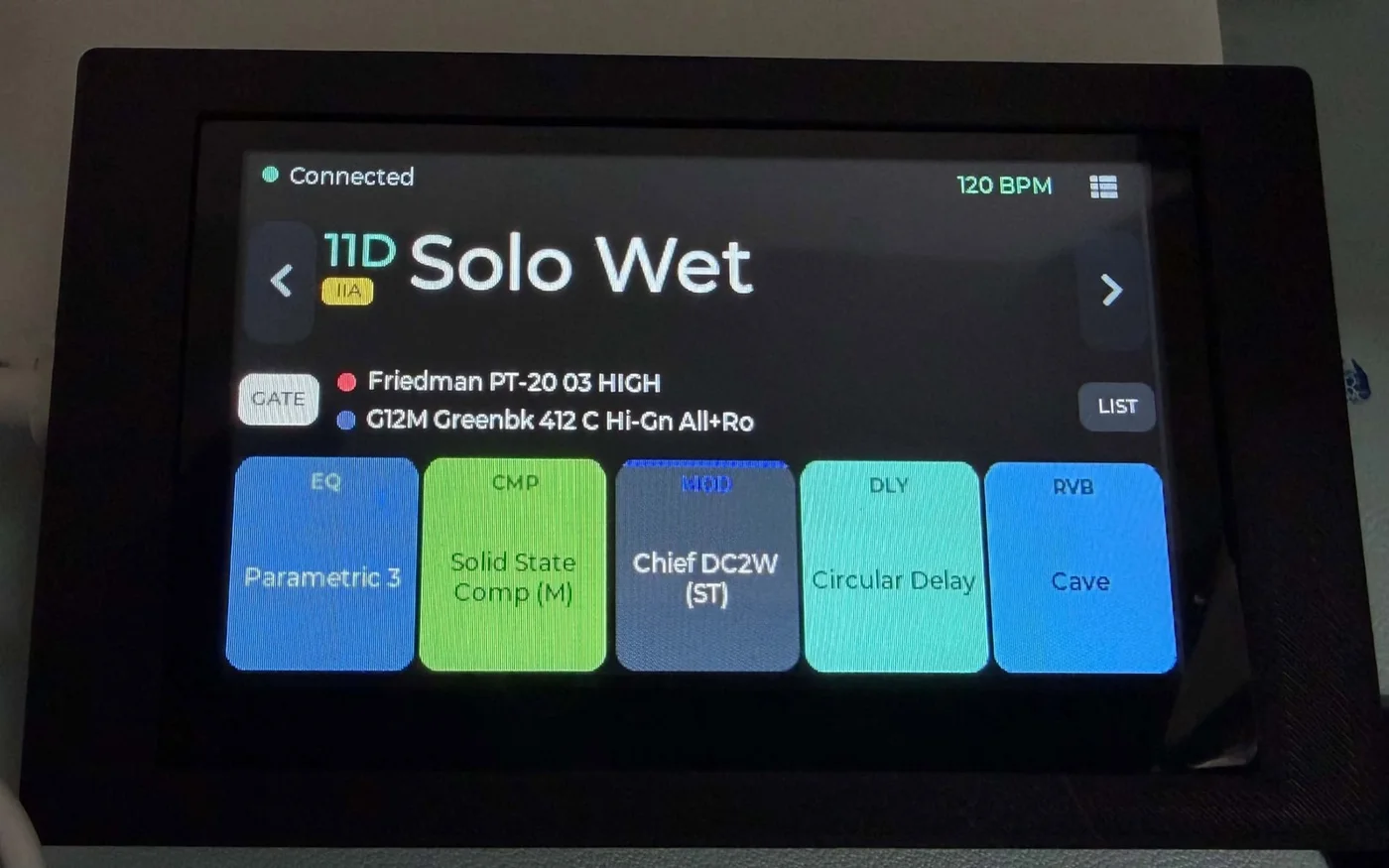
Preset, capture, IR, FX
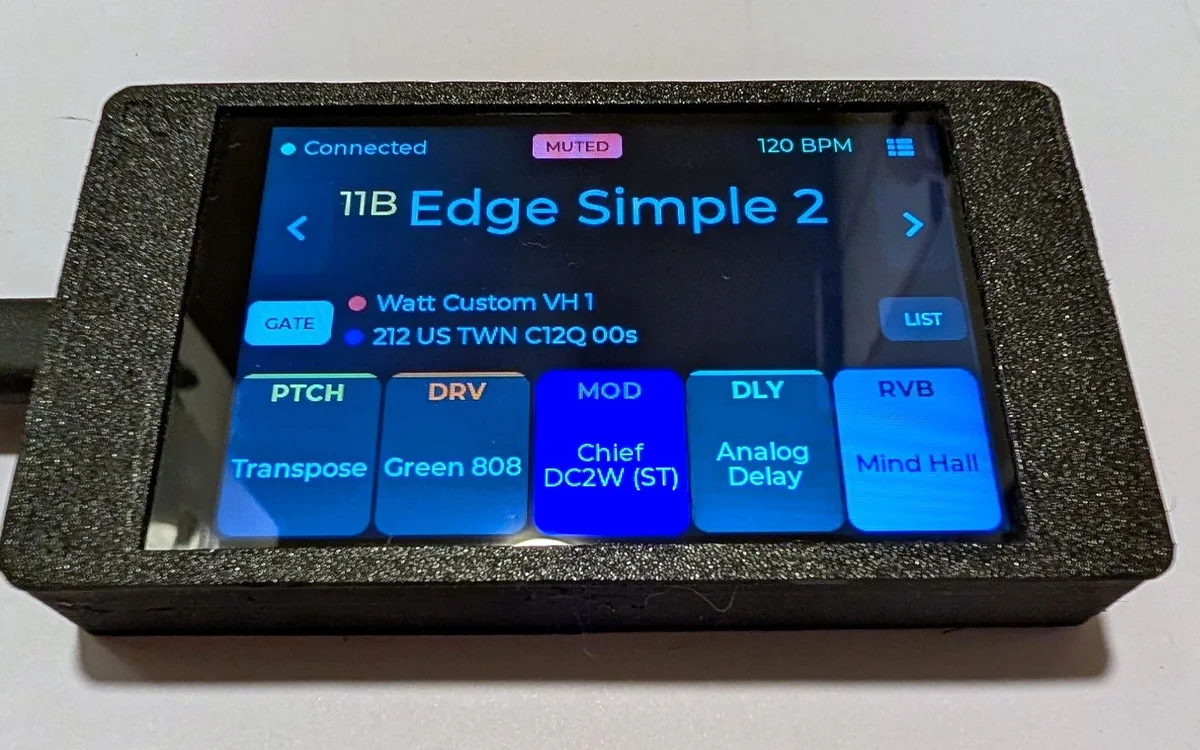
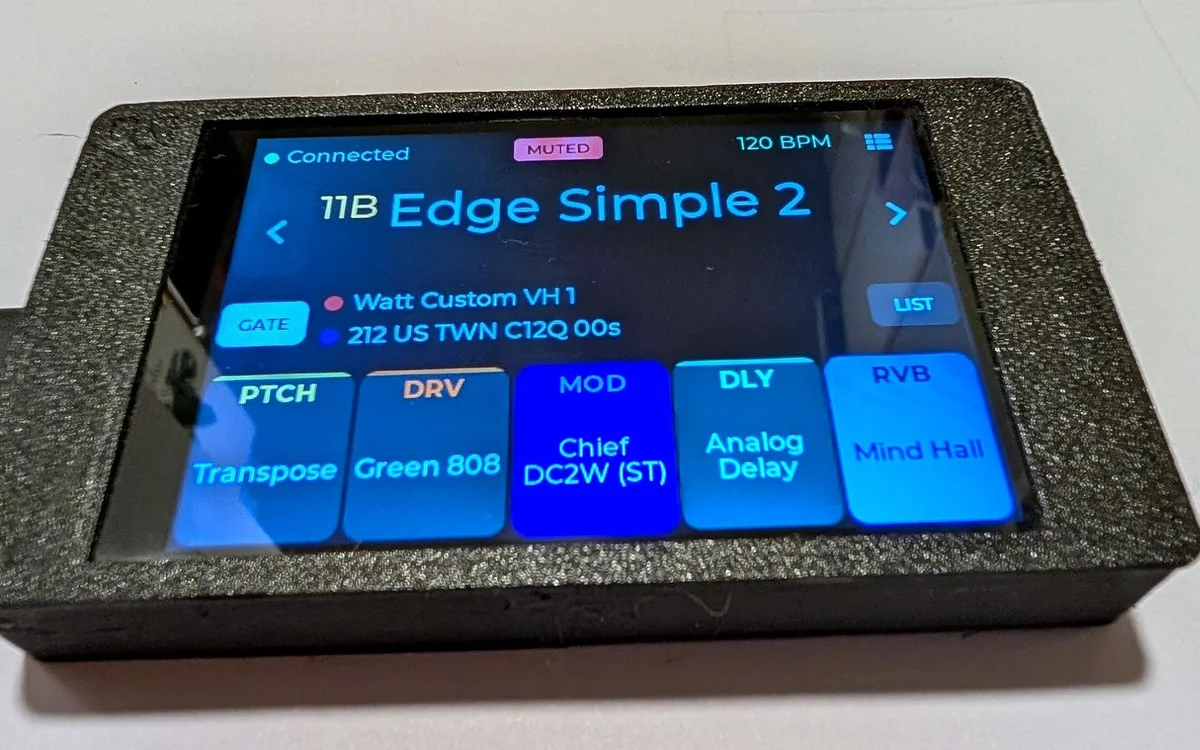
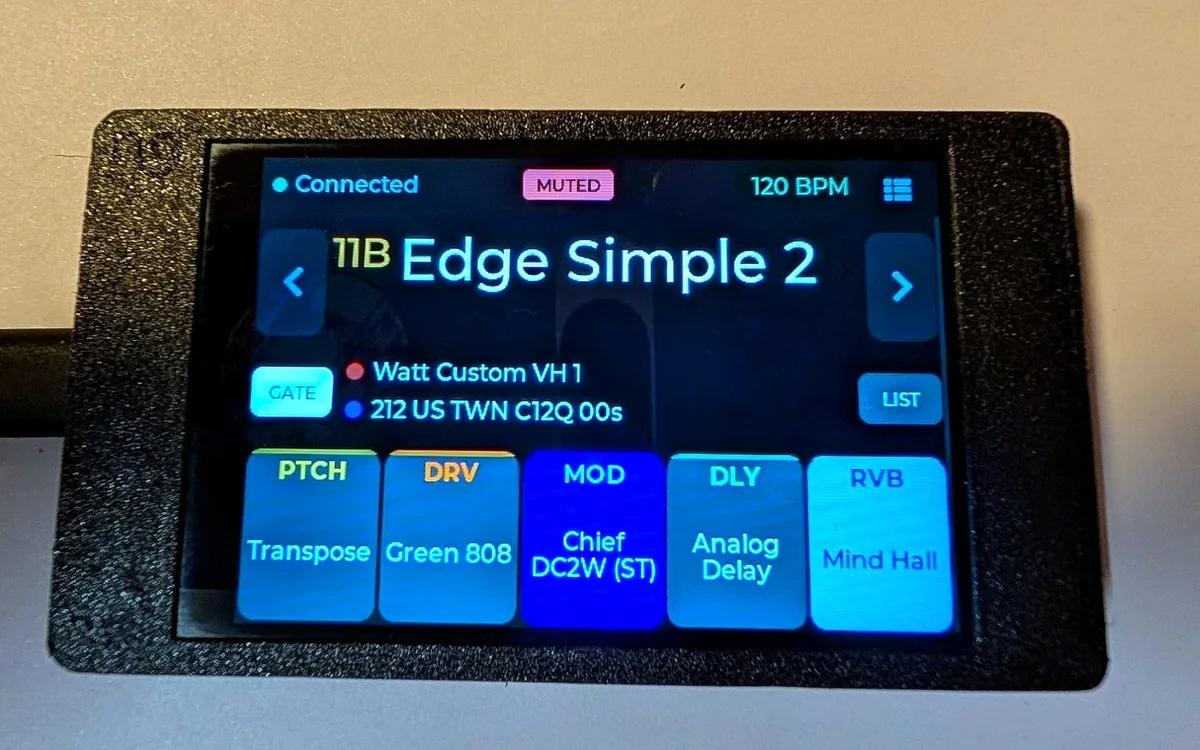
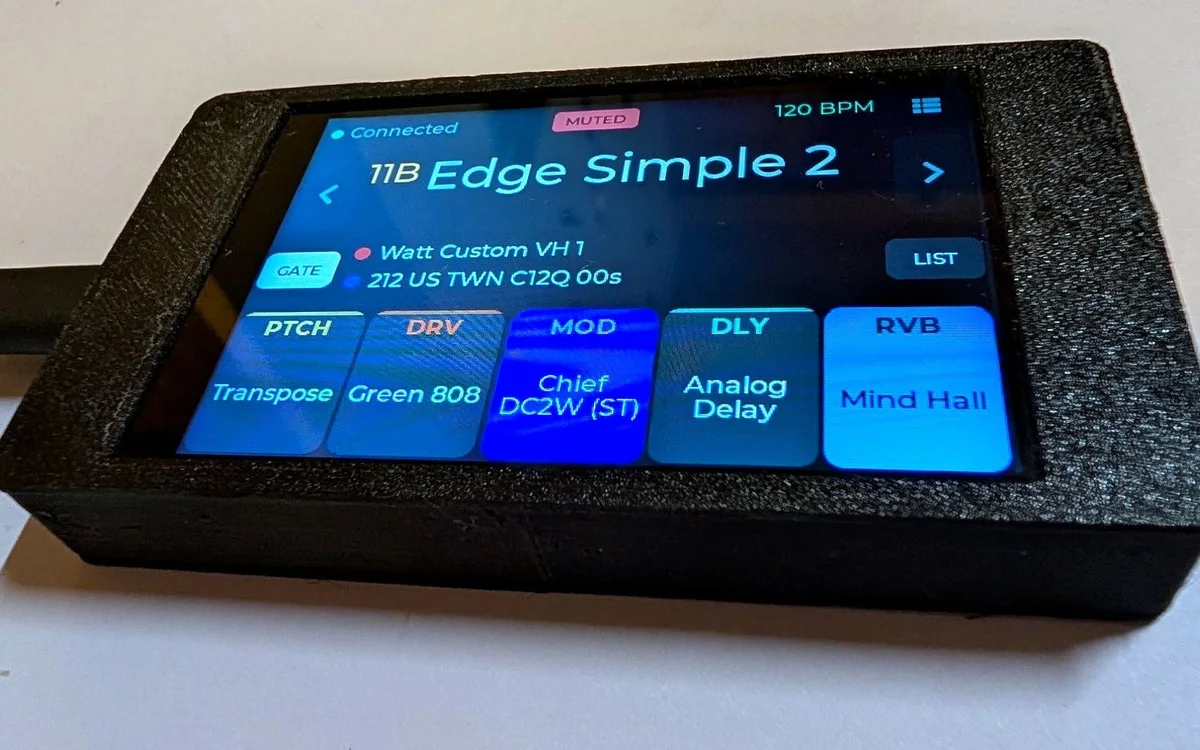
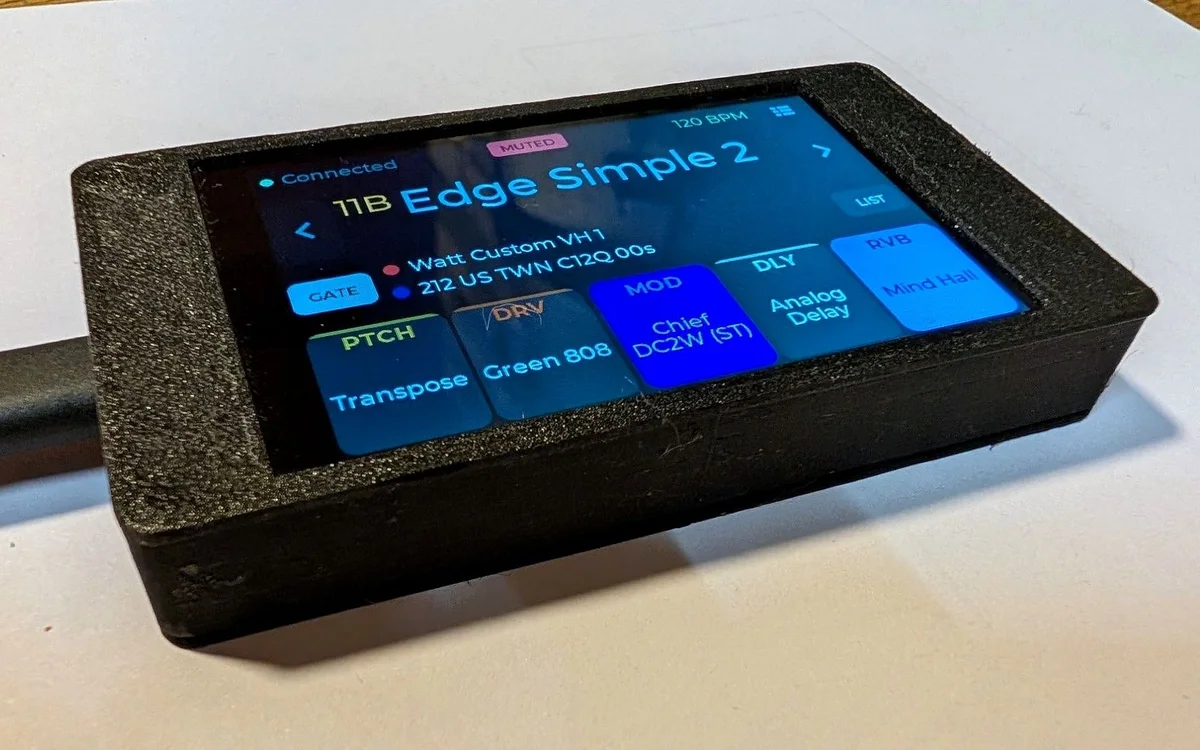
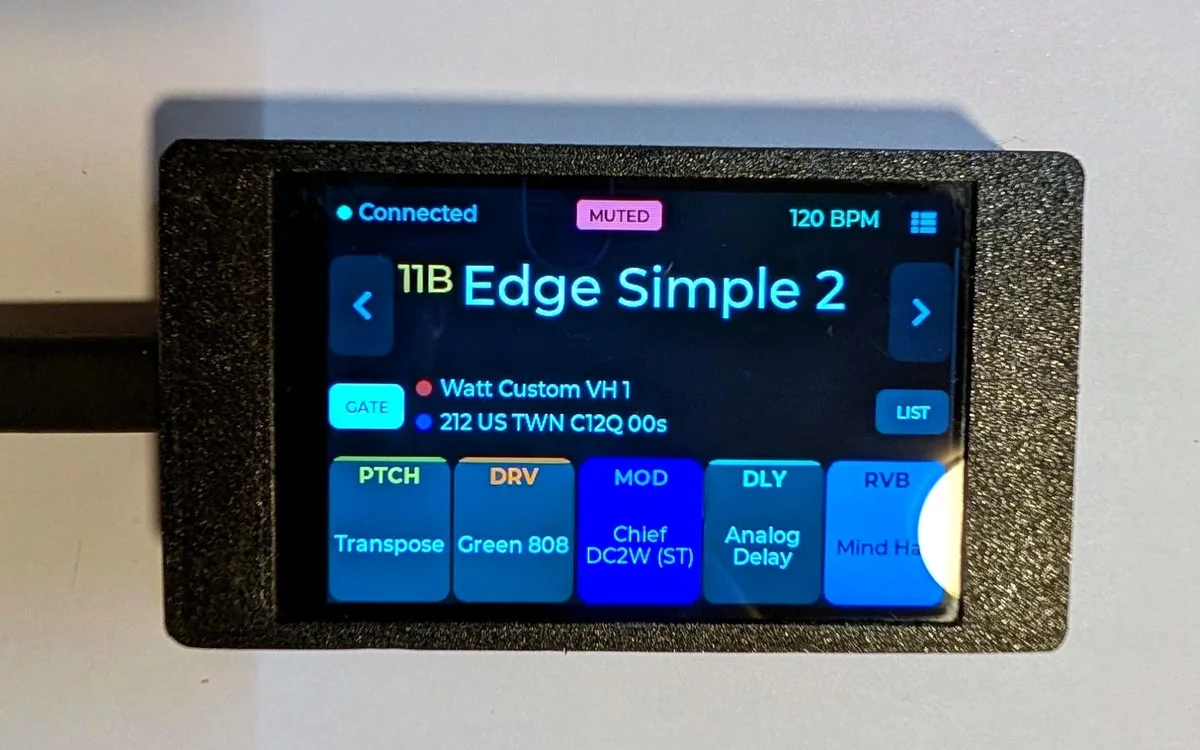
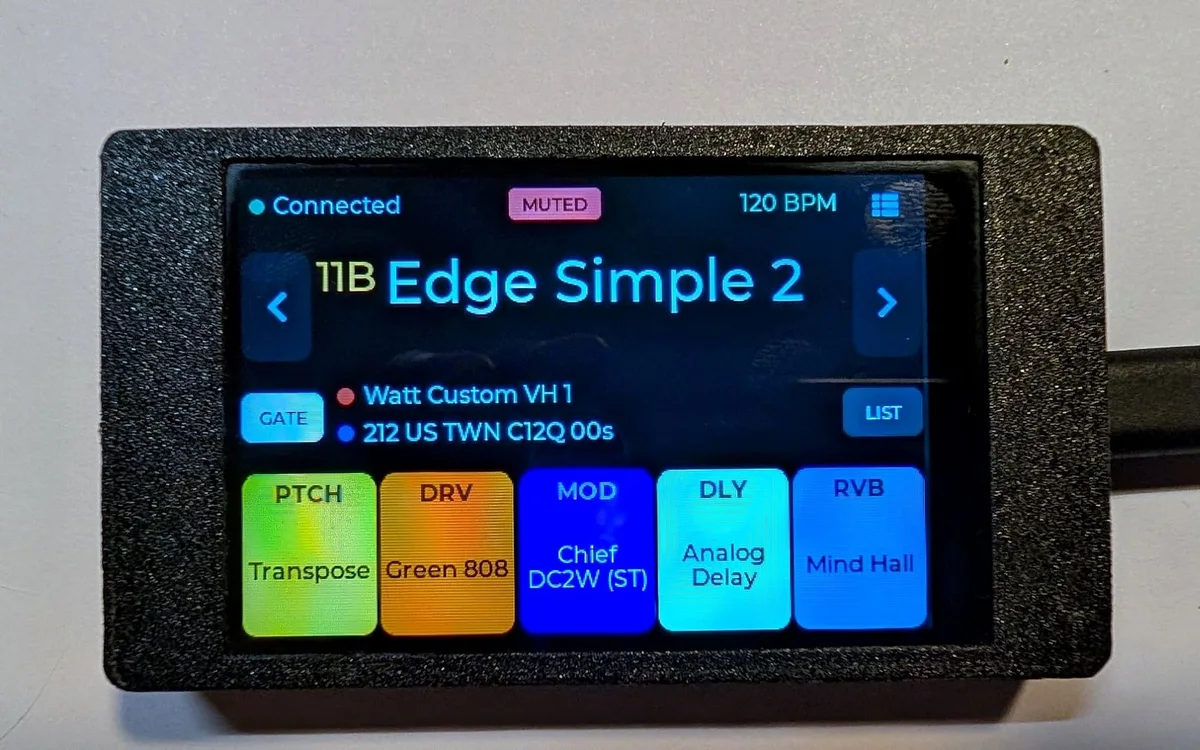
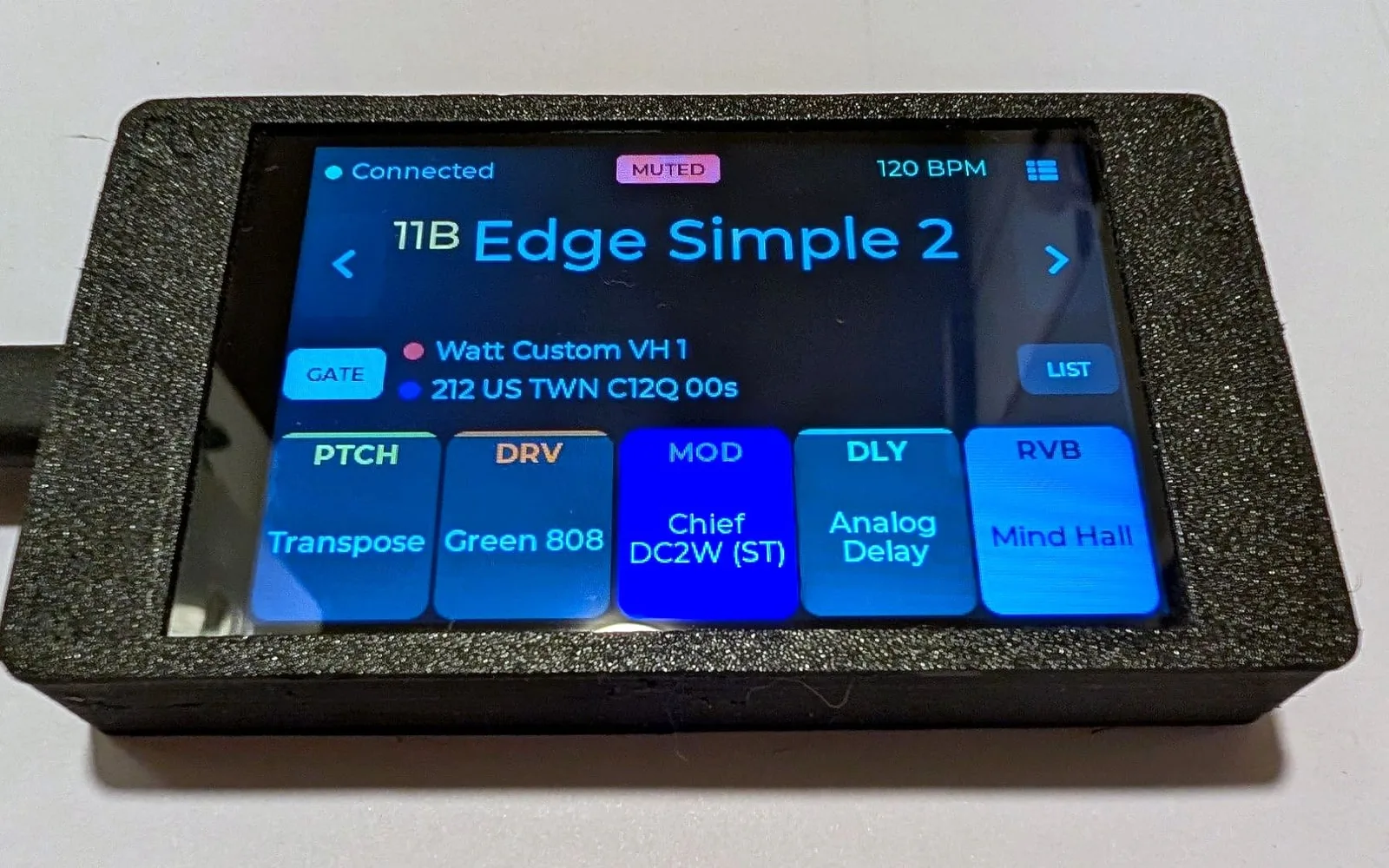
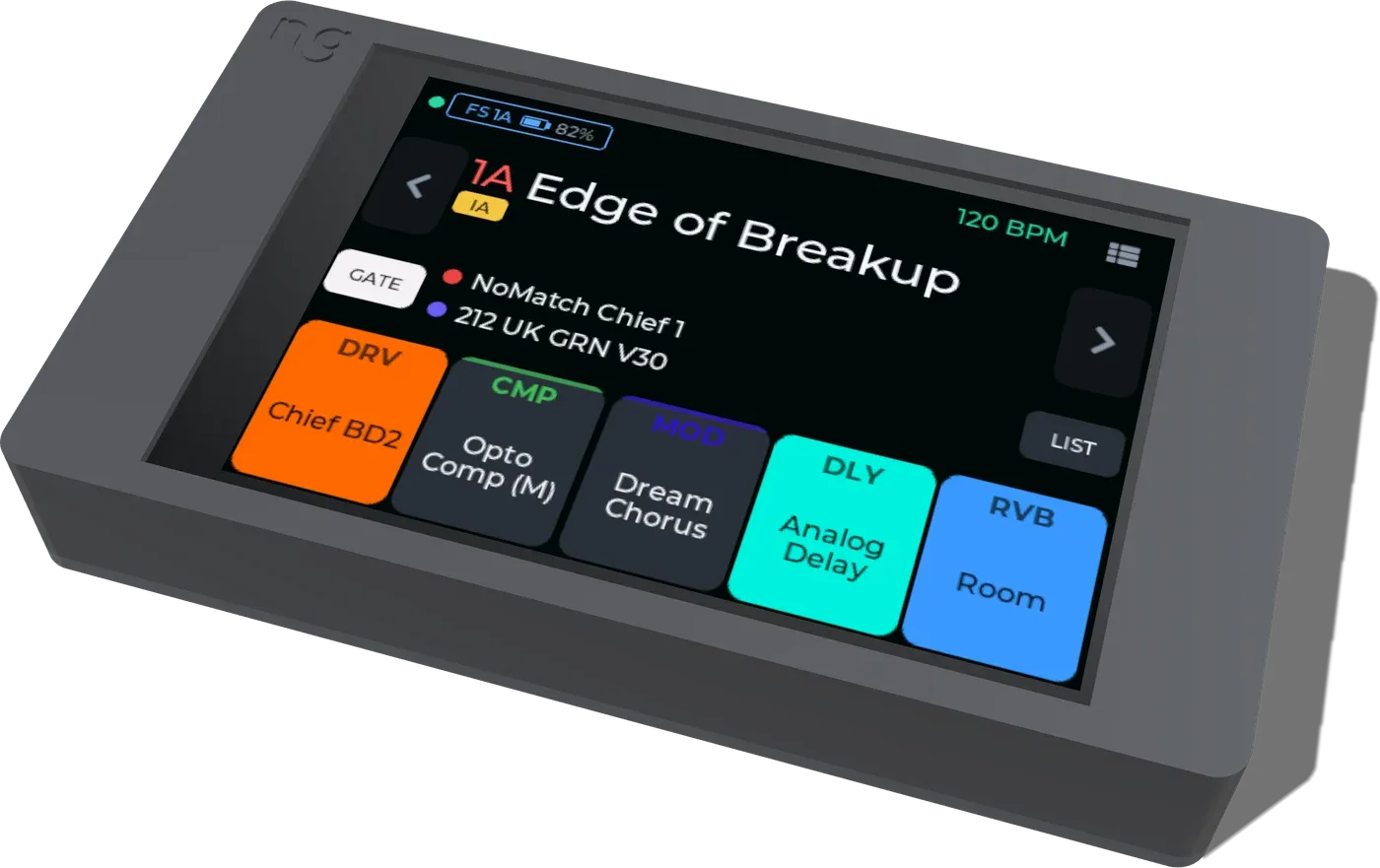
The preset name and bank label, footswitch badges, the five FX blocks in their category colours, capture and IR with on/off state, gate and tempo.
Switch and toggle
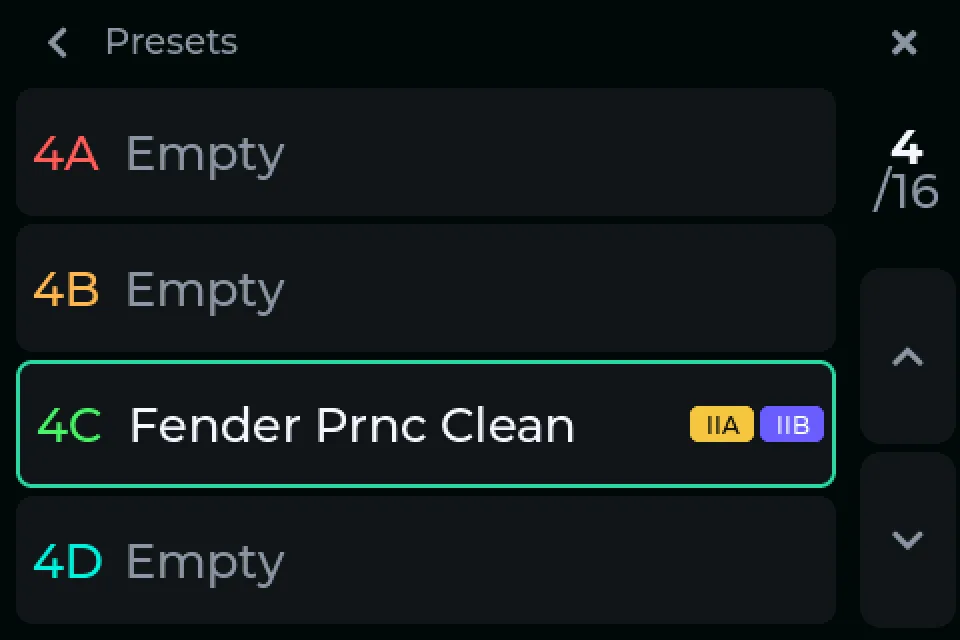
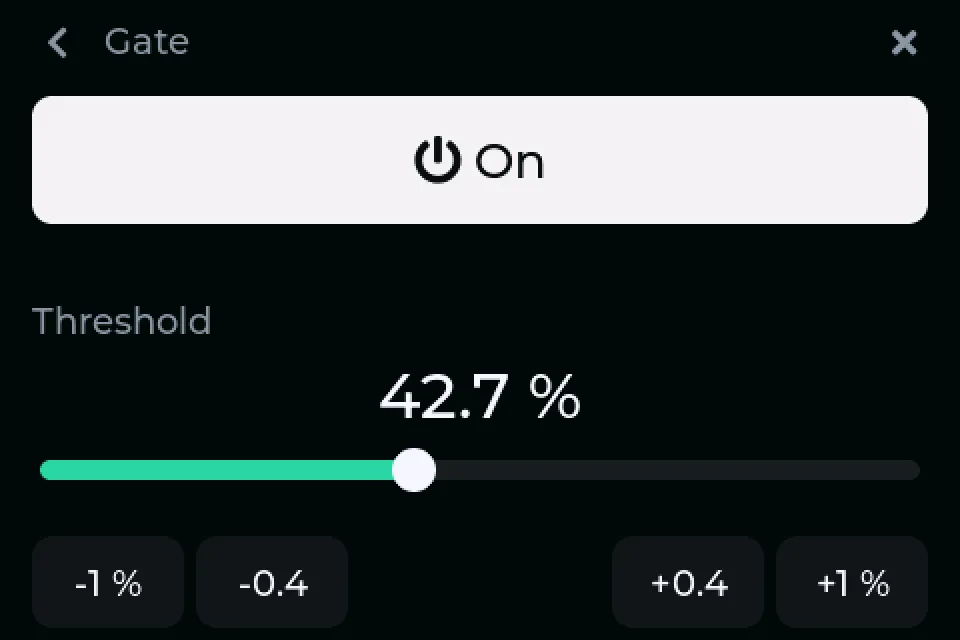
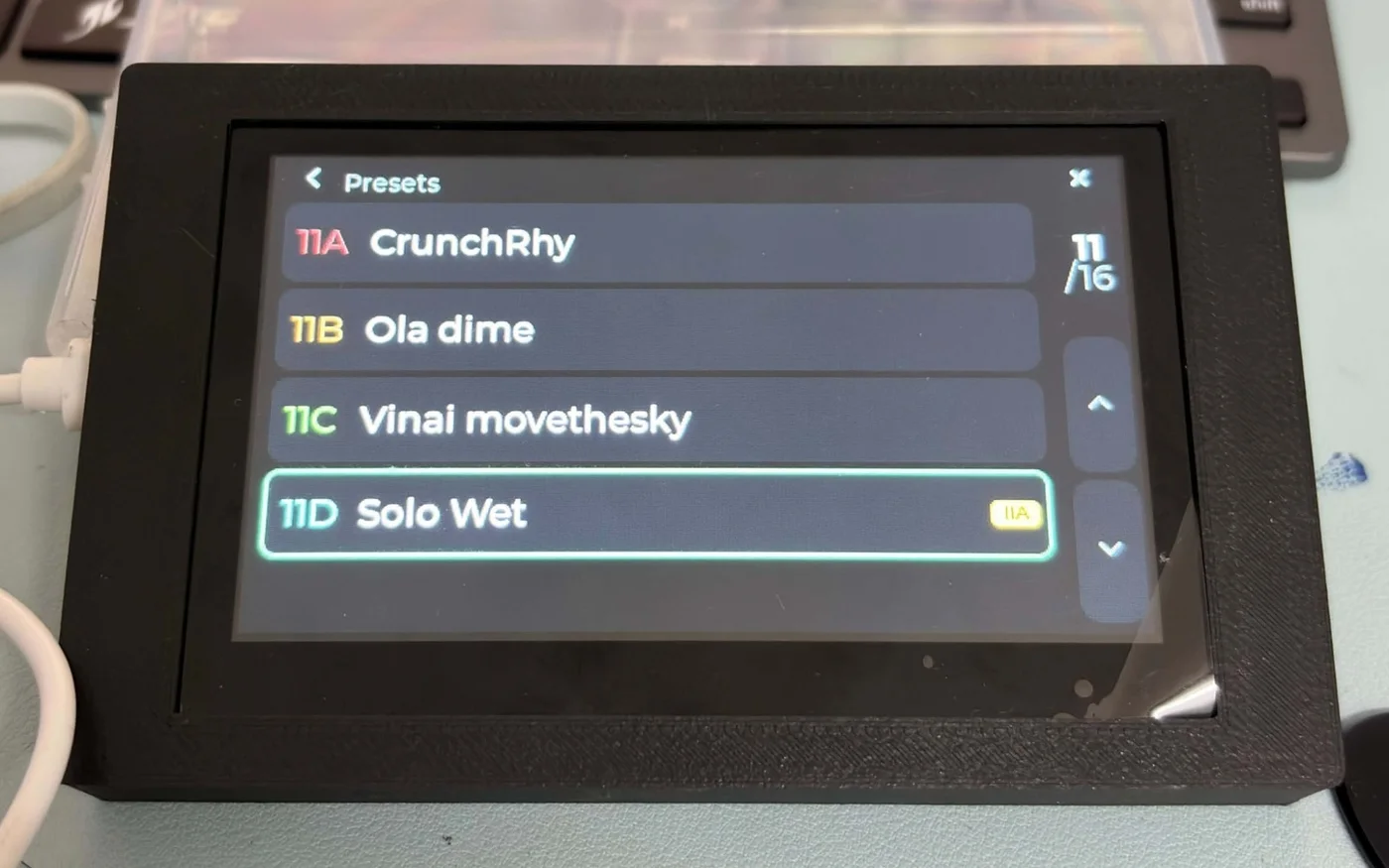
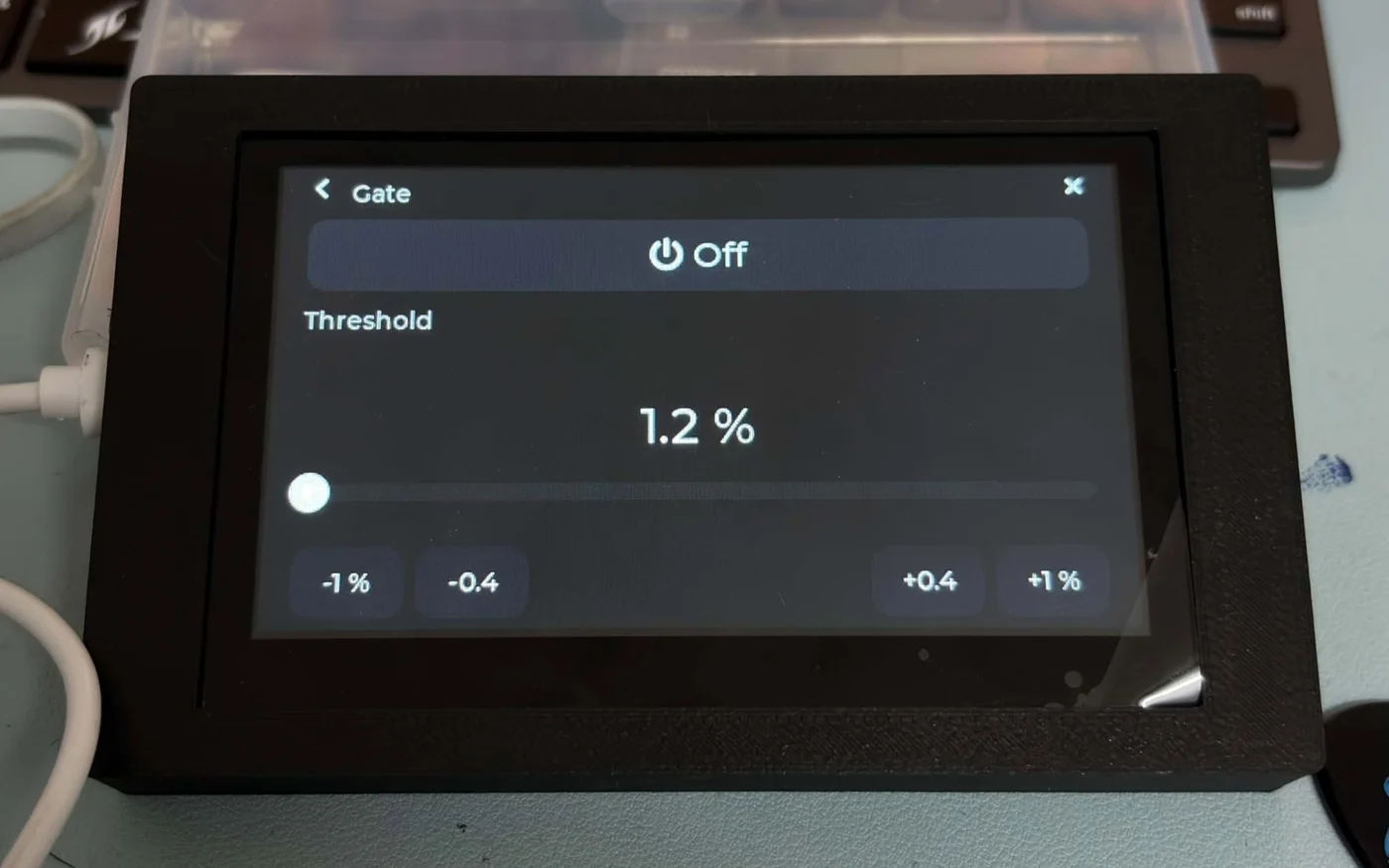
Step through presets with the arrows by the name, hold for the full list. Tap a tile to turn a block on or off; tap the gate.
Edit on the screen
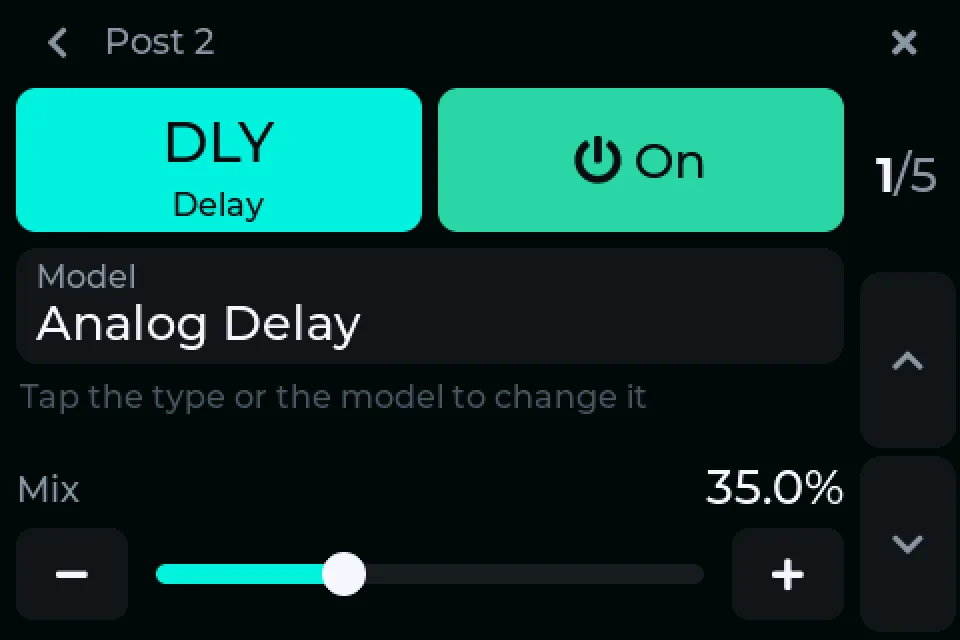
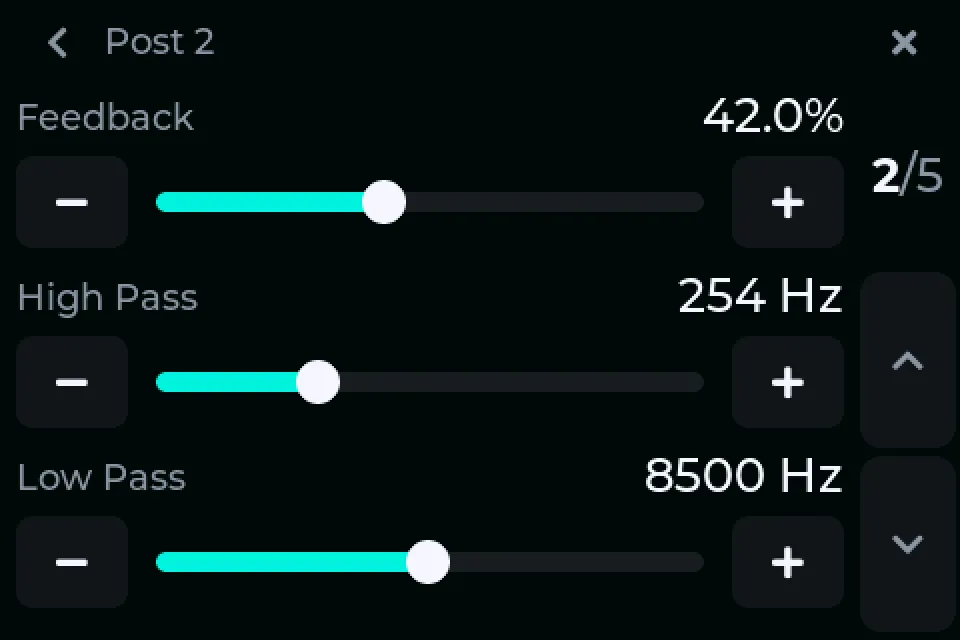
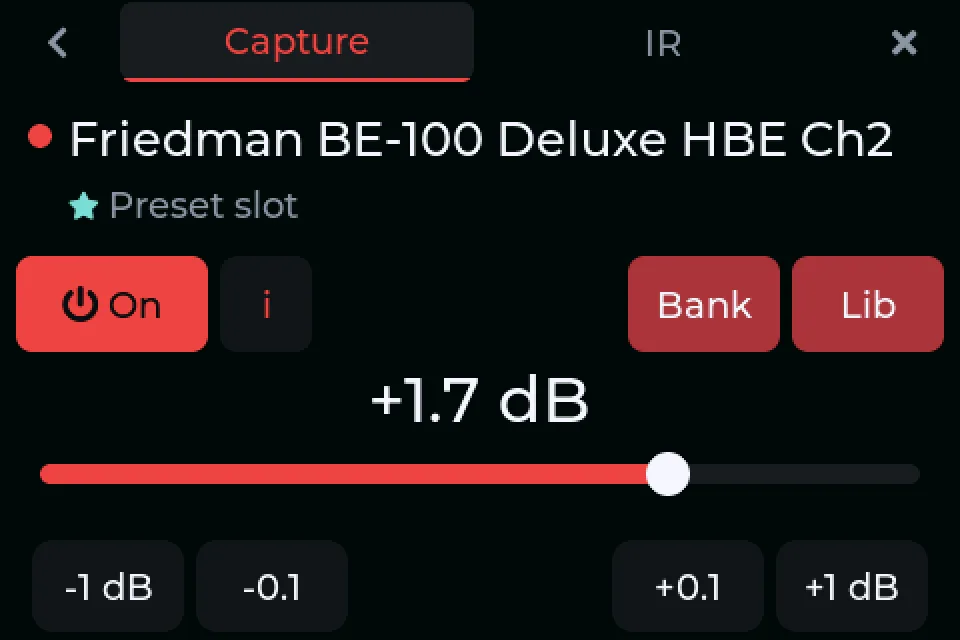
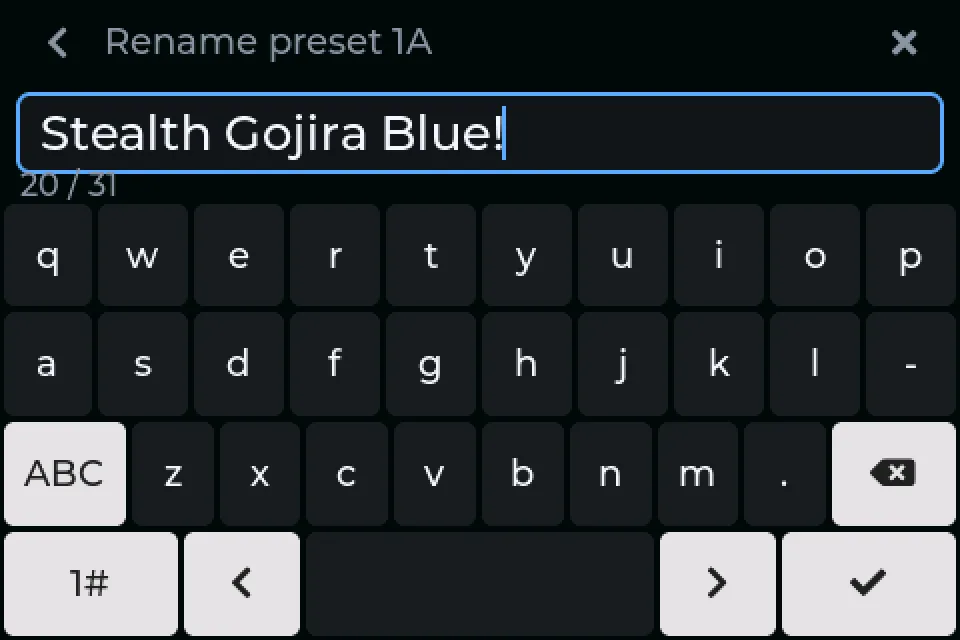
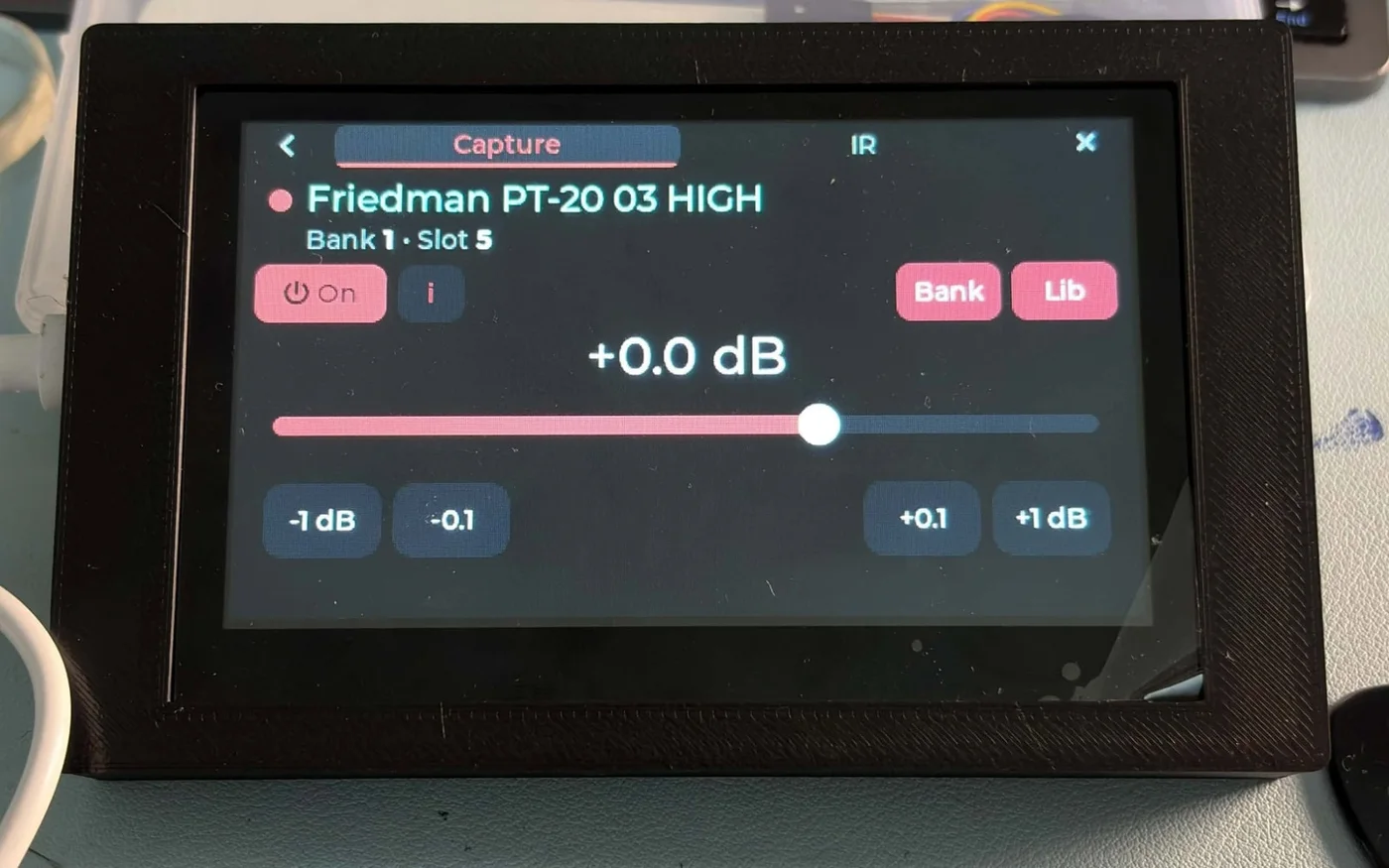
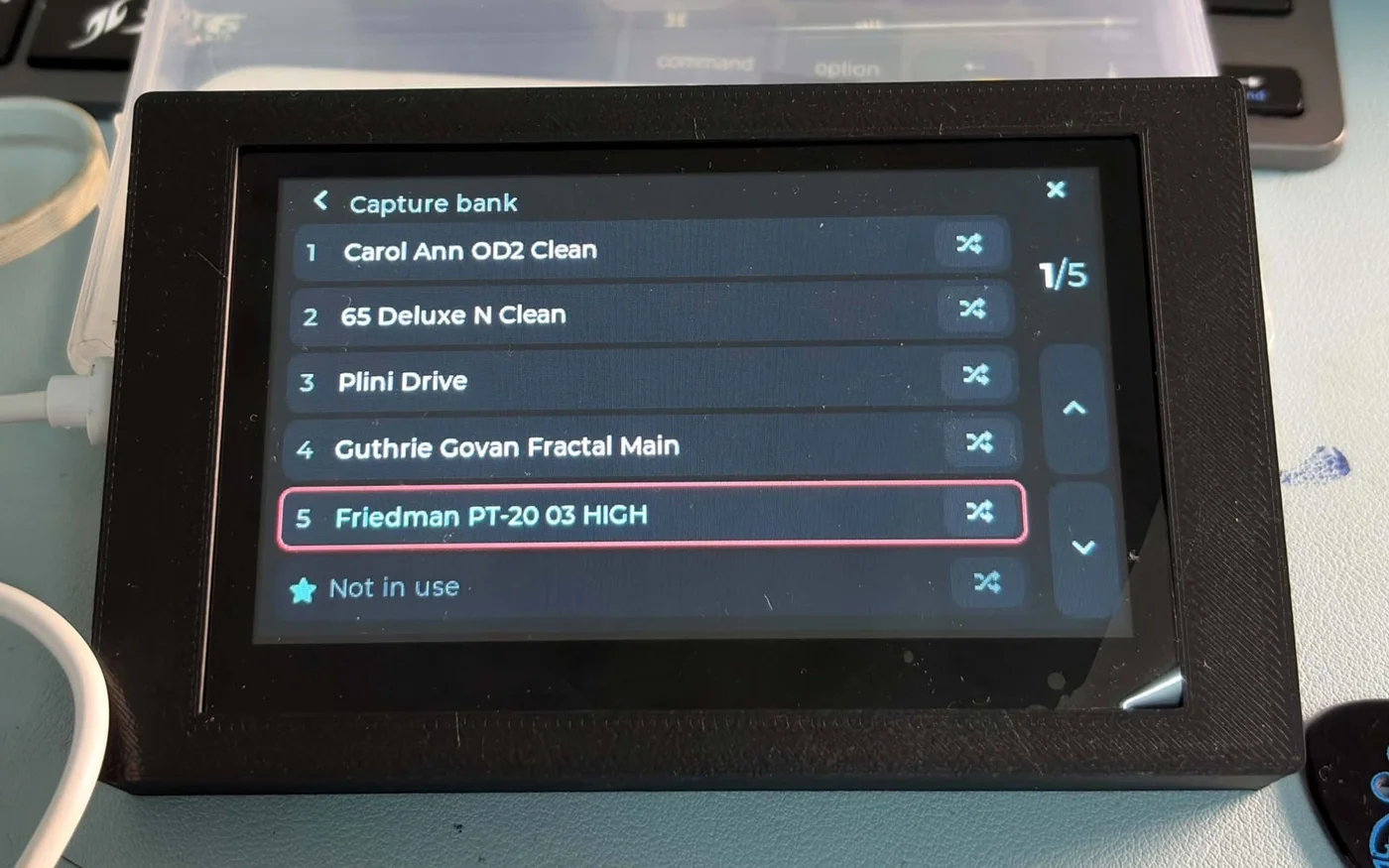
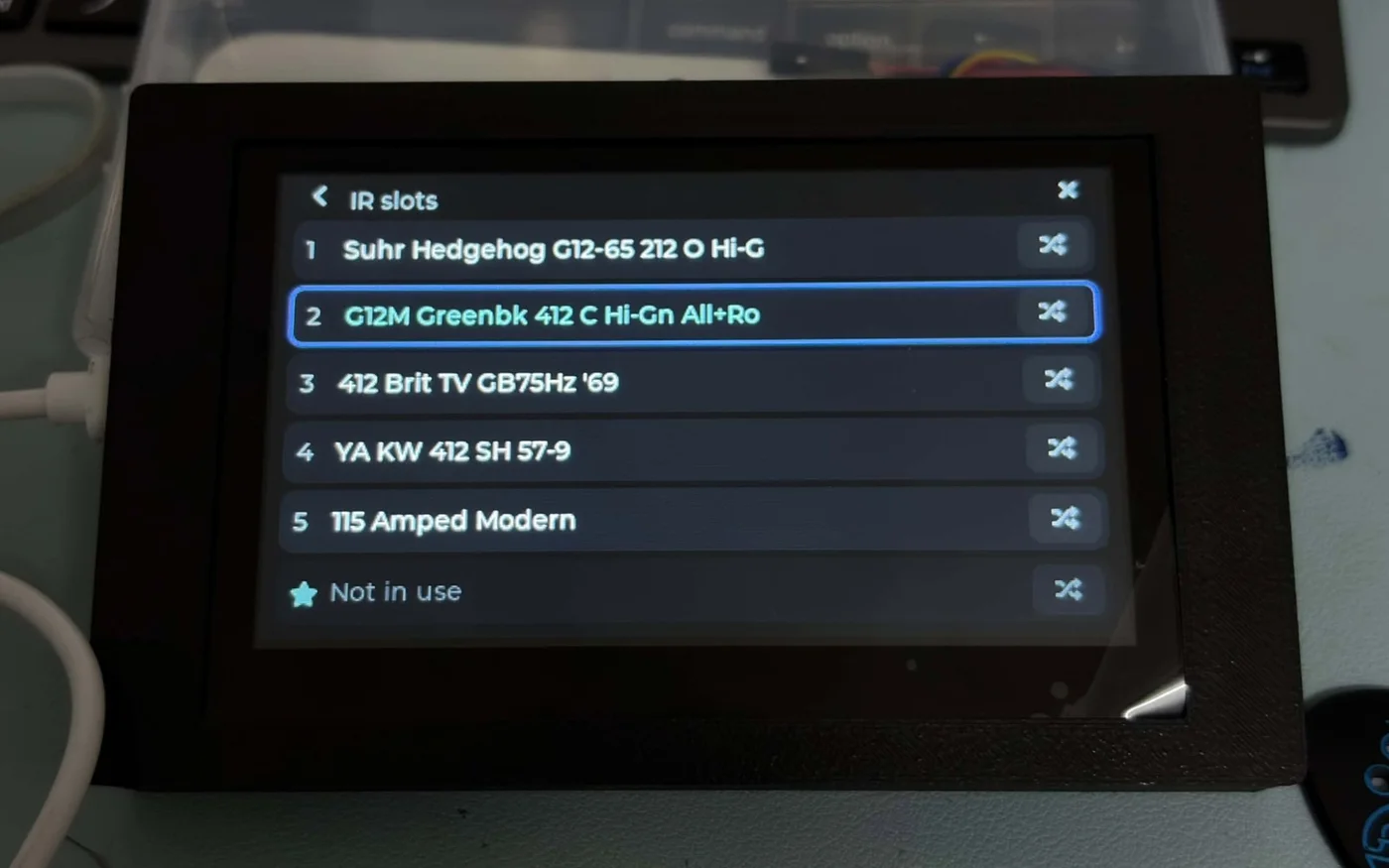
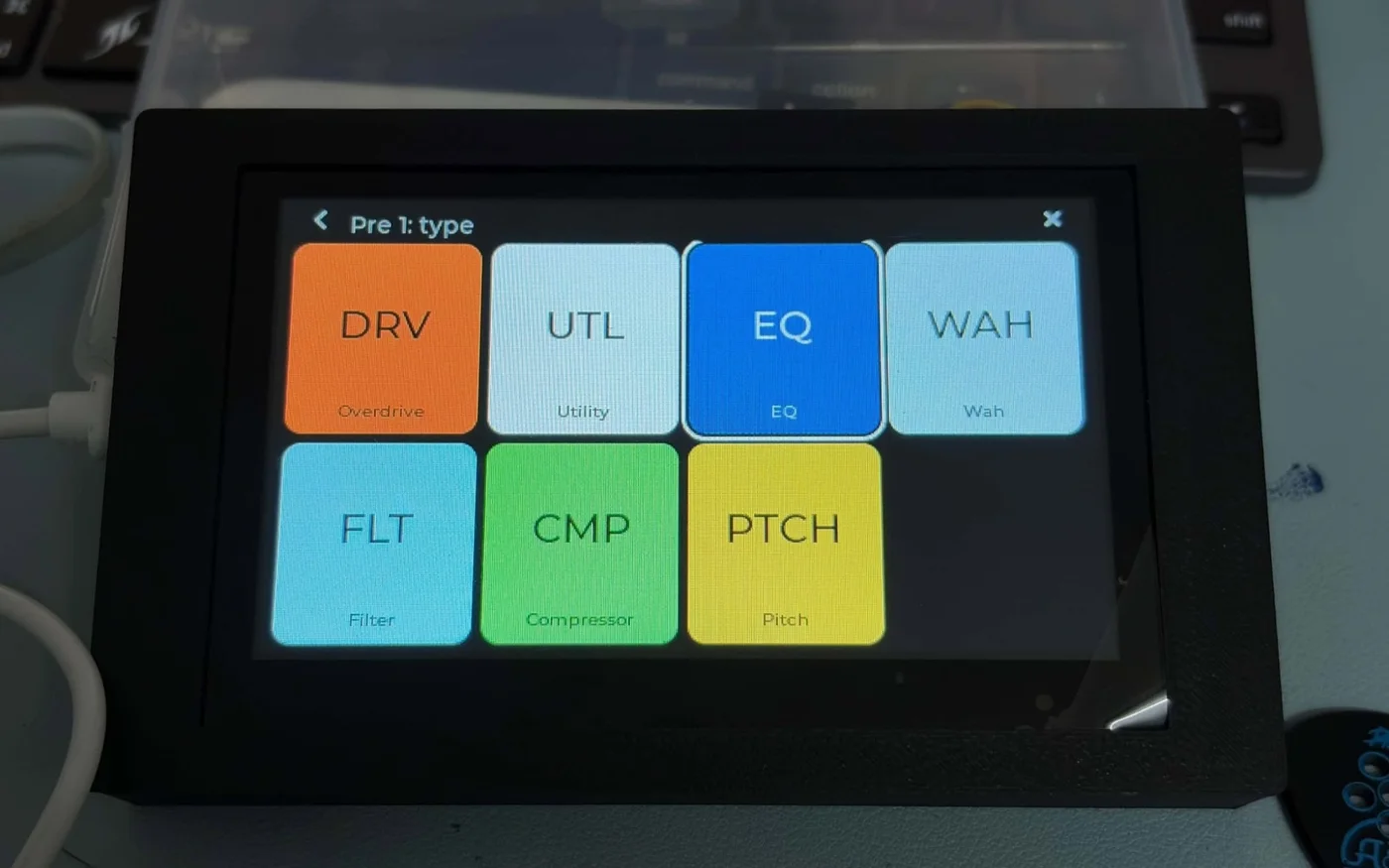
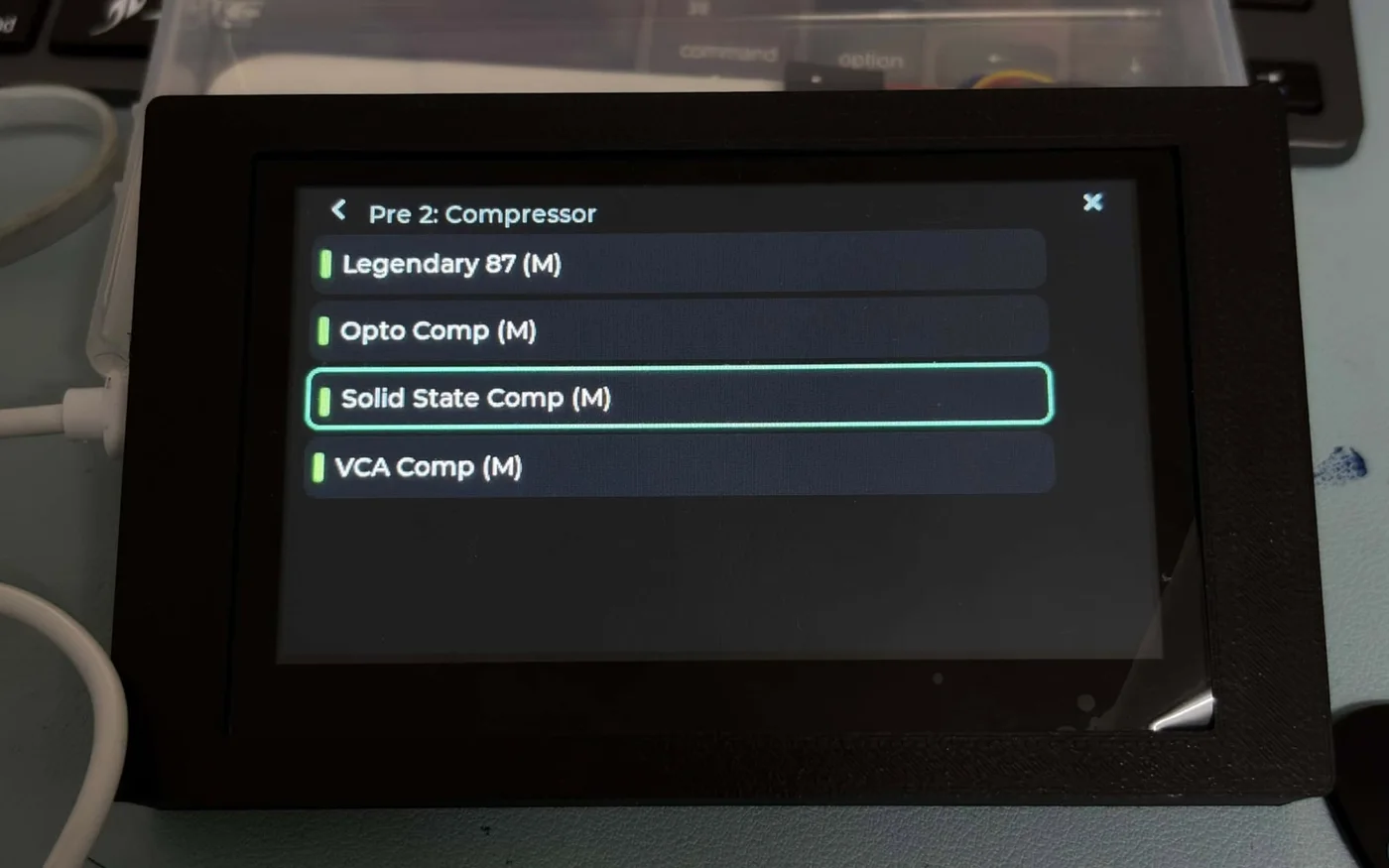
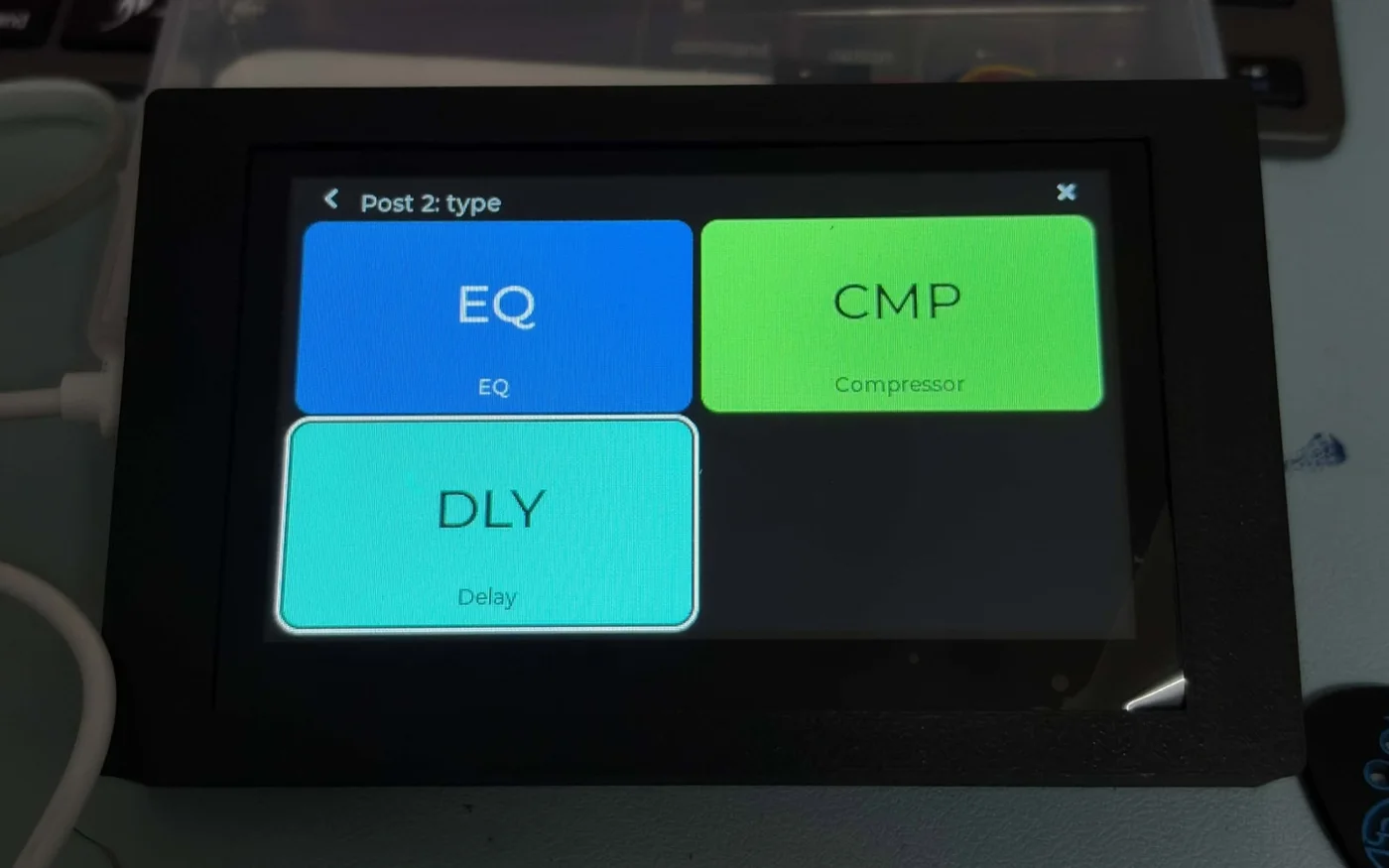
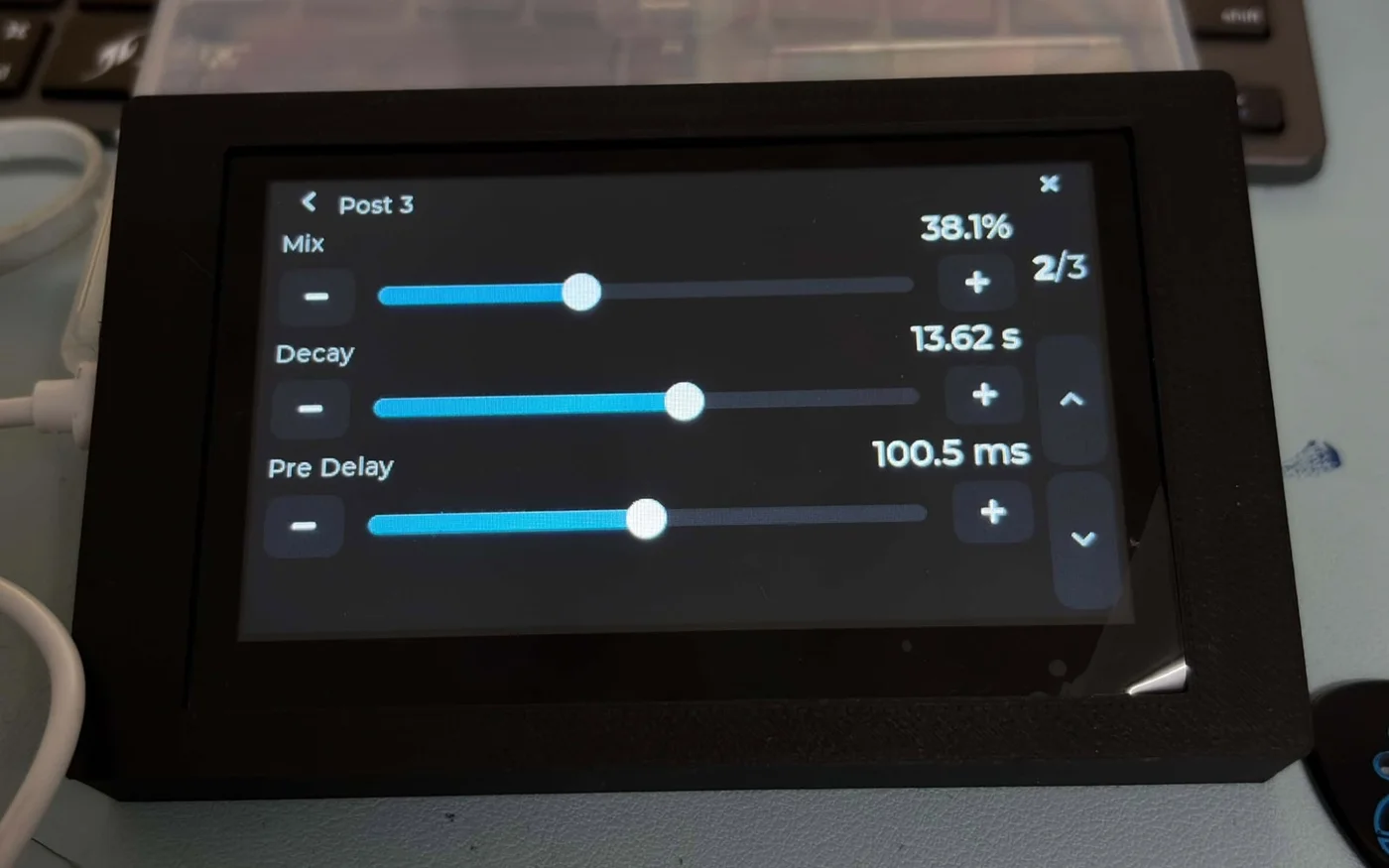
Hold an FX tile for its model and parameters. Capture and IR pages with banks, the library and previews. Rename presets on a touch keyboard.
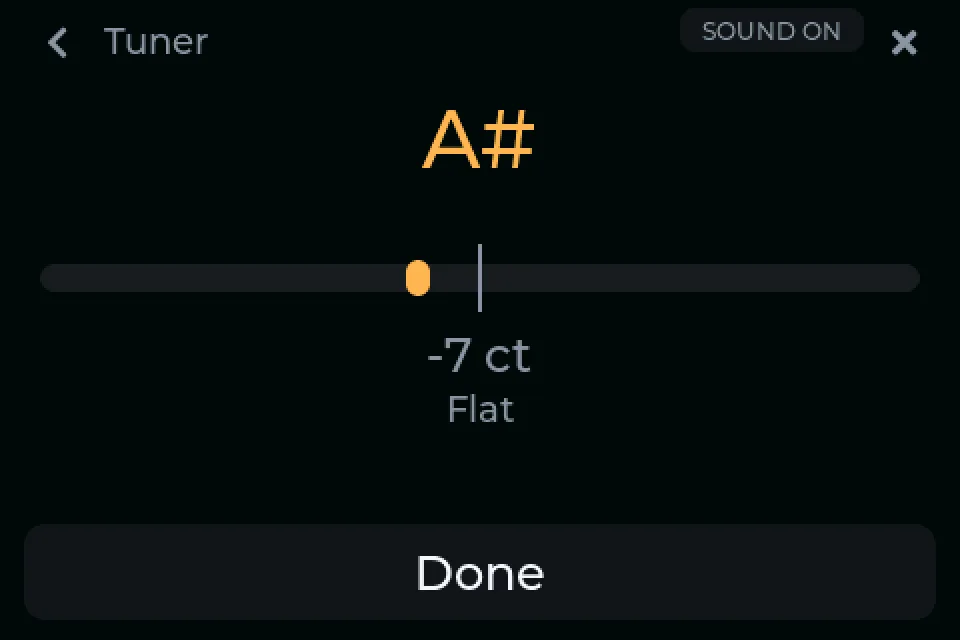
Tuner, tempo, expression
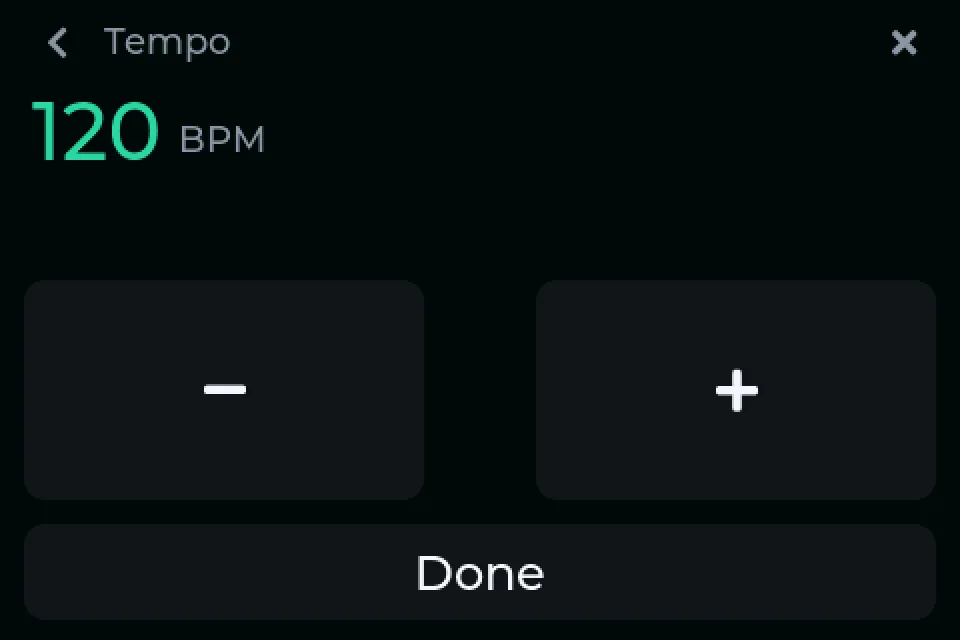
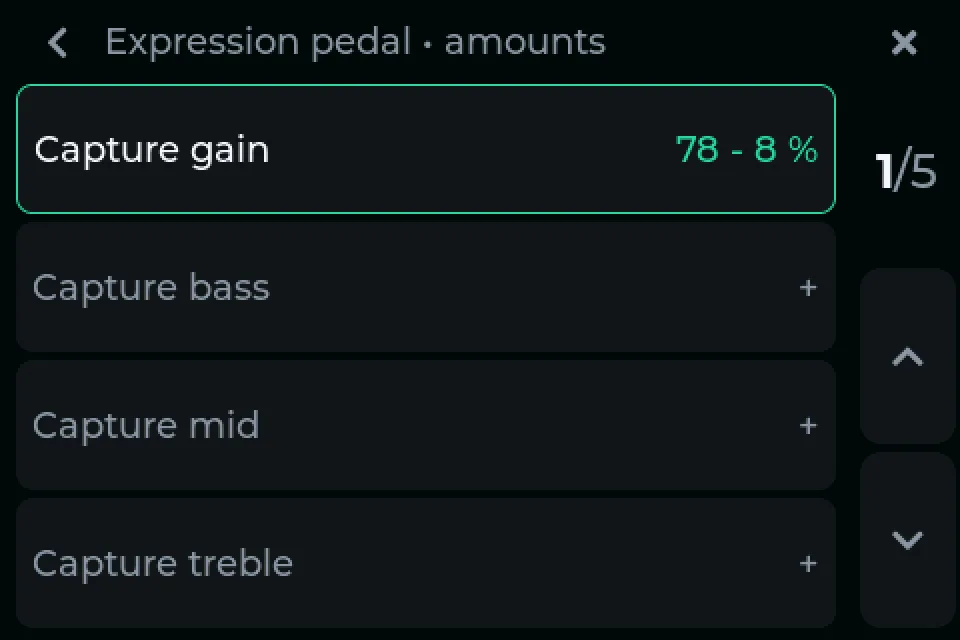
A big tuner, a tempo view that follows tap tempo, and the expression pedal's assignments with their ranges.
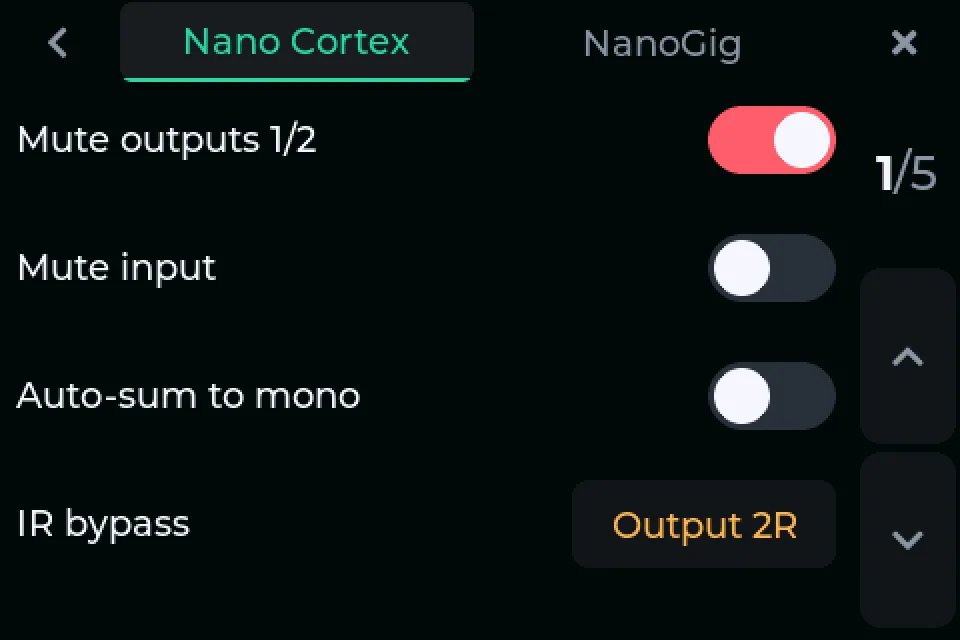
Pedal settings
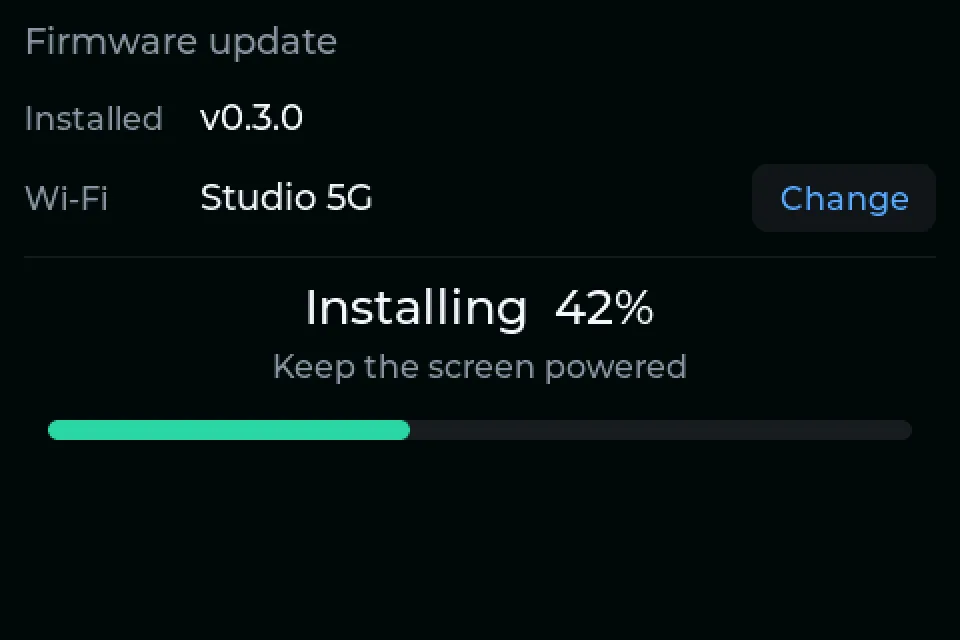
Every setting on Cortex Cloud's settings page, written straight to the pedal. Updates over Wi-Fi.
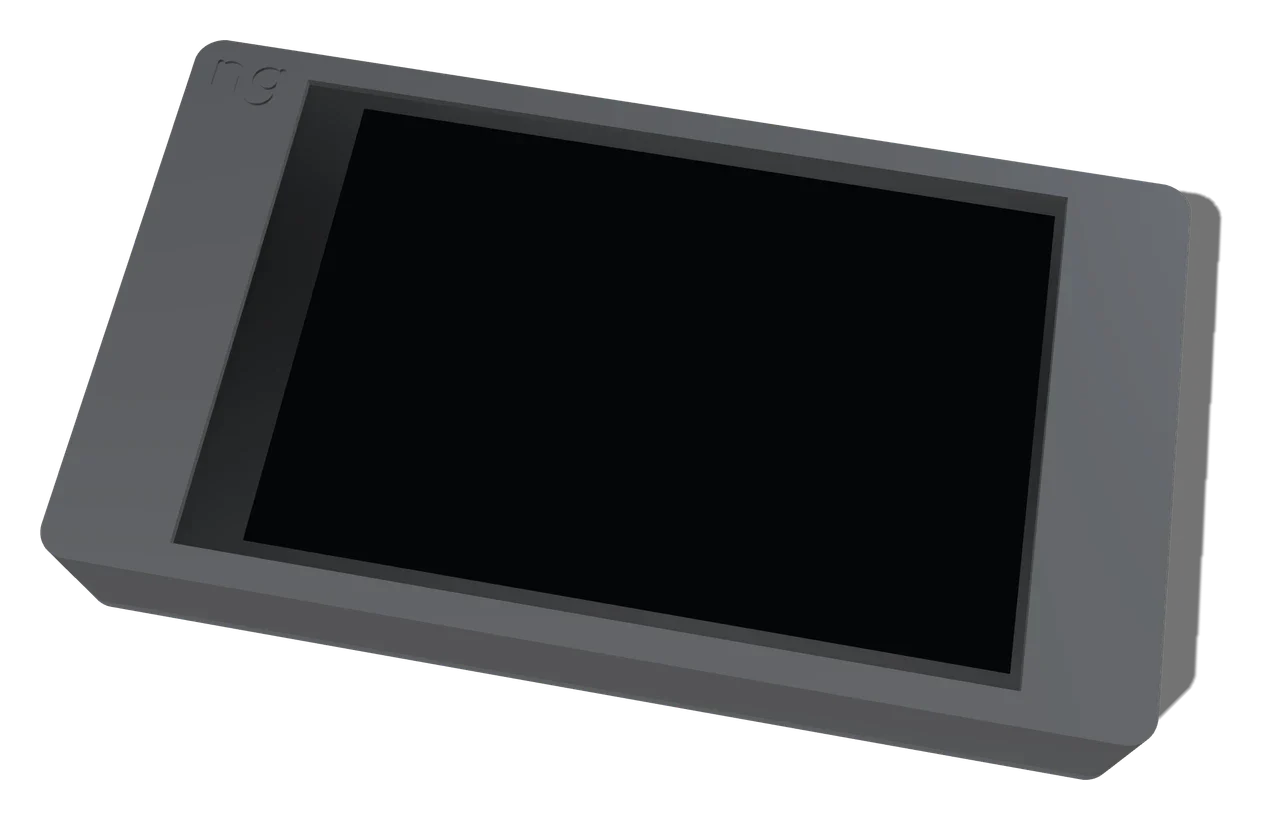
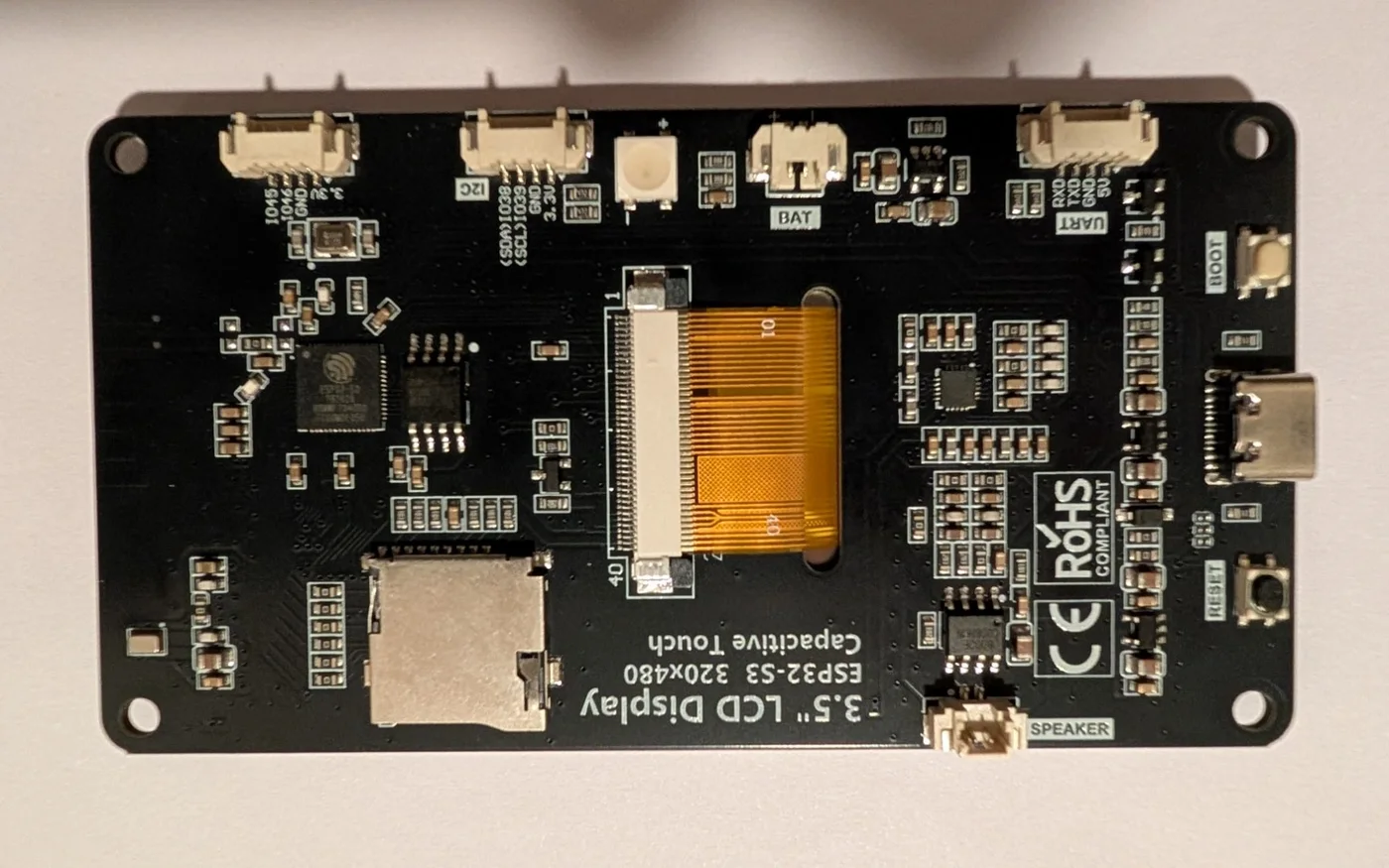
Building your own? NanoGig Screen runs on these off-the-shelf ESP32 touchscreens, each with the same interface laid out for its size.
Tested on a pedalESP32-2432S028
"Cheap Yellow Display"
The original NanoGig Screen board: cheap, widely available, small enough to sit by the pedal.
- Display
- 2.8" · 320×240
- Touch
- resistive
- Chip
- ESP32
- ID
cyd
Board guideTested on a pedalGuition JC4827W543
A wide 4.3" panel with capacitive touch: the largest picture, readable from further away.
- Display
- 4.3" · 480×272
- Touch
- capacitive
- Chip
- ESP32-S3
- ID
jc4827w543
Board guideTested on a pedalLCDwiki ES3C35P
A sharp 3.5" panel with capacitive touch, a step up in size from the CYD.
- Display
- 3.5" · 480×320
- Touch
- capacitive
- Chip
- ESP32-S3
- ID
es3c35p
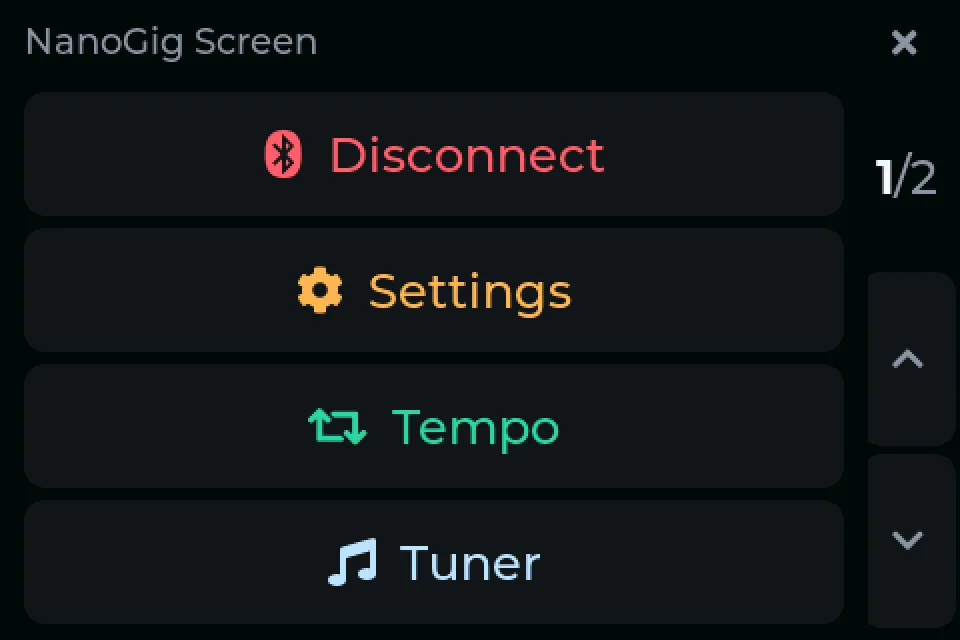
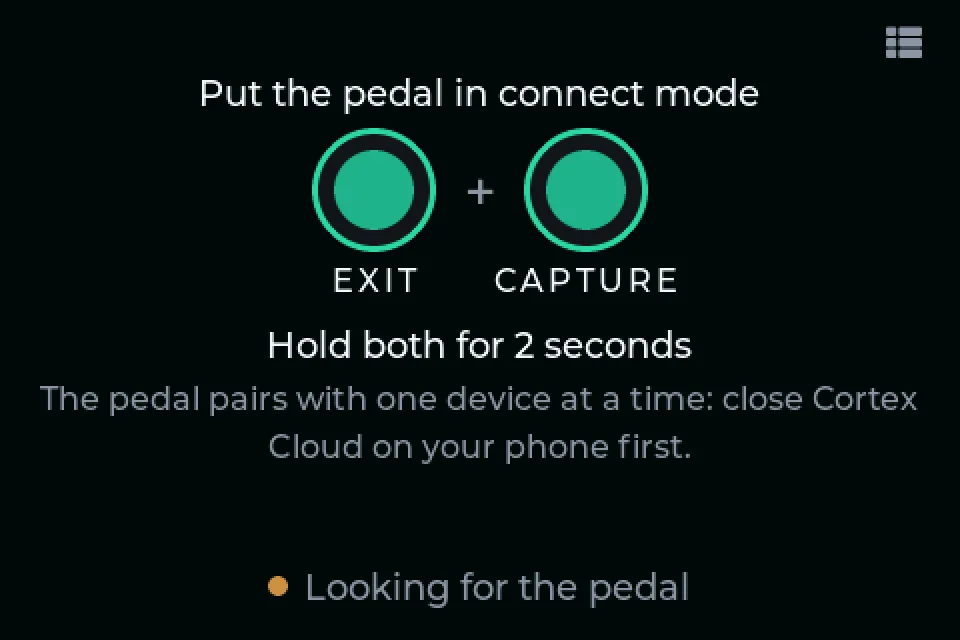
Board guide The pedal takes one Bluetooth connection at a time. Close Cortex Cloud and the NanoGig app before the screen connects, or use the screen's Menu → Disconnect to hand the pedal over to them.