Getting started with the app
NanoGig is a web page: nothing to install on the pedal, no account.
Before you start
Section titled “Before you start”- The Nano Cortex is on.
- Cortex Cloud is closed. The pedal takes one Bluetooth connection at a time.
- You use a supported browser: Chrome or Edge, or Bluefy on iPhone and iPad.
Connect
Section titled “Connect”Open the app.
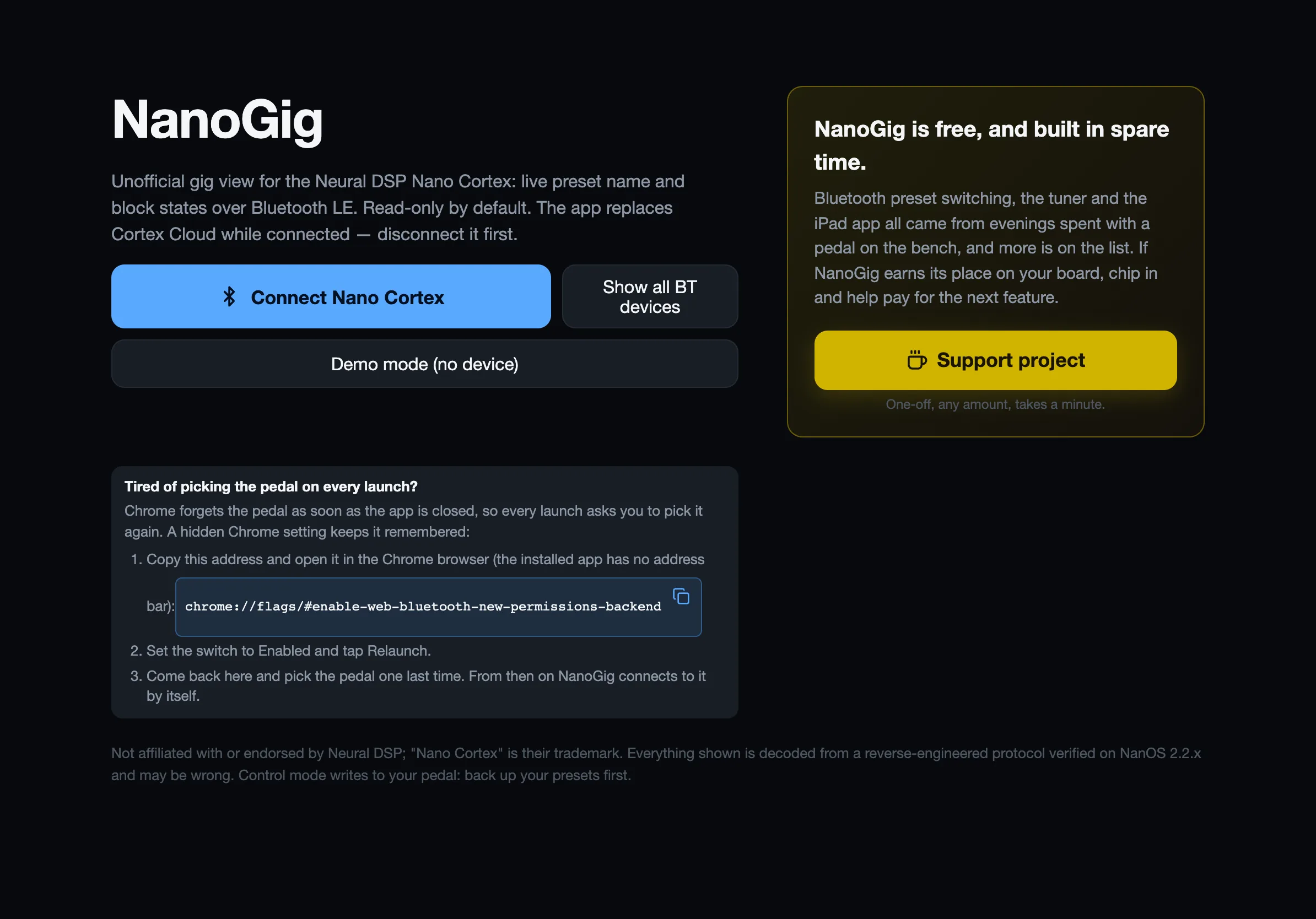
- Tap Connect Nano Cortex and pick your pedal in the browser’s list. The browser asks once per pedal.
- No pedal at hand? Demo mode runs the whole app against a pretend pedal.
The first connect reads all 64 preset names (a few seconds). After that the app remembers them and is live at once.
Put it on stage
Section titled “Put it on stage”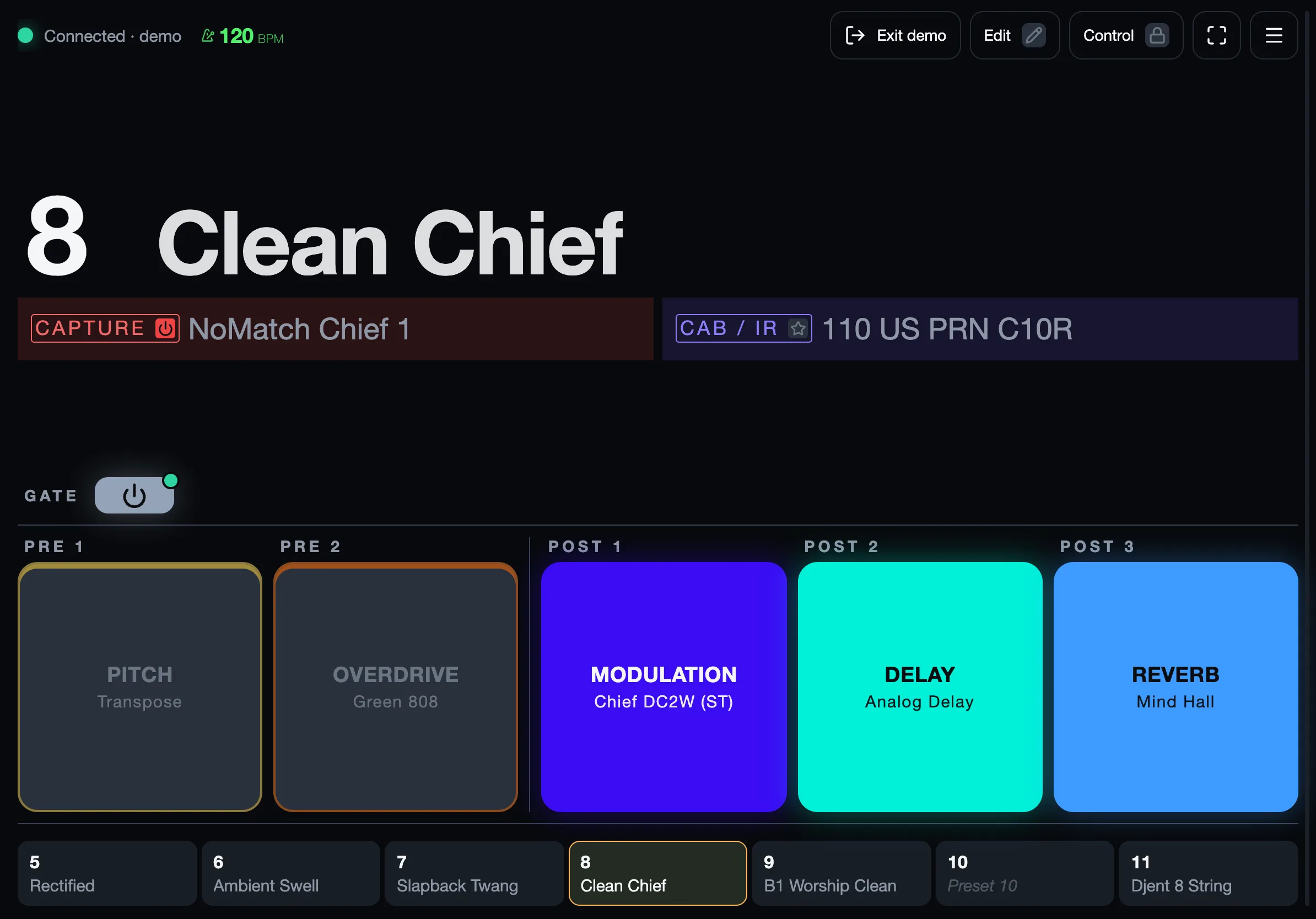
Tap full screen and stand the device where you can see it. On Android, Chrome’s menu → Add to Home screen installs NanoGig as a full-screen app.
The app reconnects by itself after a pedal power cycle.
Read-only until you say so
Section titled “Read-only until you say so”Out of the box NanoGig only reads the pedal. Switching presets and editing need Control and Edit. Back up your presets in Cortex Cloud first.
NanoGig is not affiliated with or endorsed by Neural DSP. Nano Cortex is a trademark of Neural DSP Technologies.